Get in touch
Back to work

Case study - Mobile app

Alafasy, an all-in-one companion for daily Islamic practice.

Prayer times and tracking, Qiblah direction, Qur'an reading, dzikir, nasheeds, and hadith reflection, named after Sheikh Mishary Rashid Alafasy and built to support daily spiritual practice anytime, anywhere. Live on the App Store, Play Store, and AppGallery today.

Role
UI/UX Designer
Timeline
2025
Platform
iOS, Android, HarmonyOS
Status
Live on the App Store, Play Store, and AppGallery

The context

A prayer companion that earns a place on the home screen.

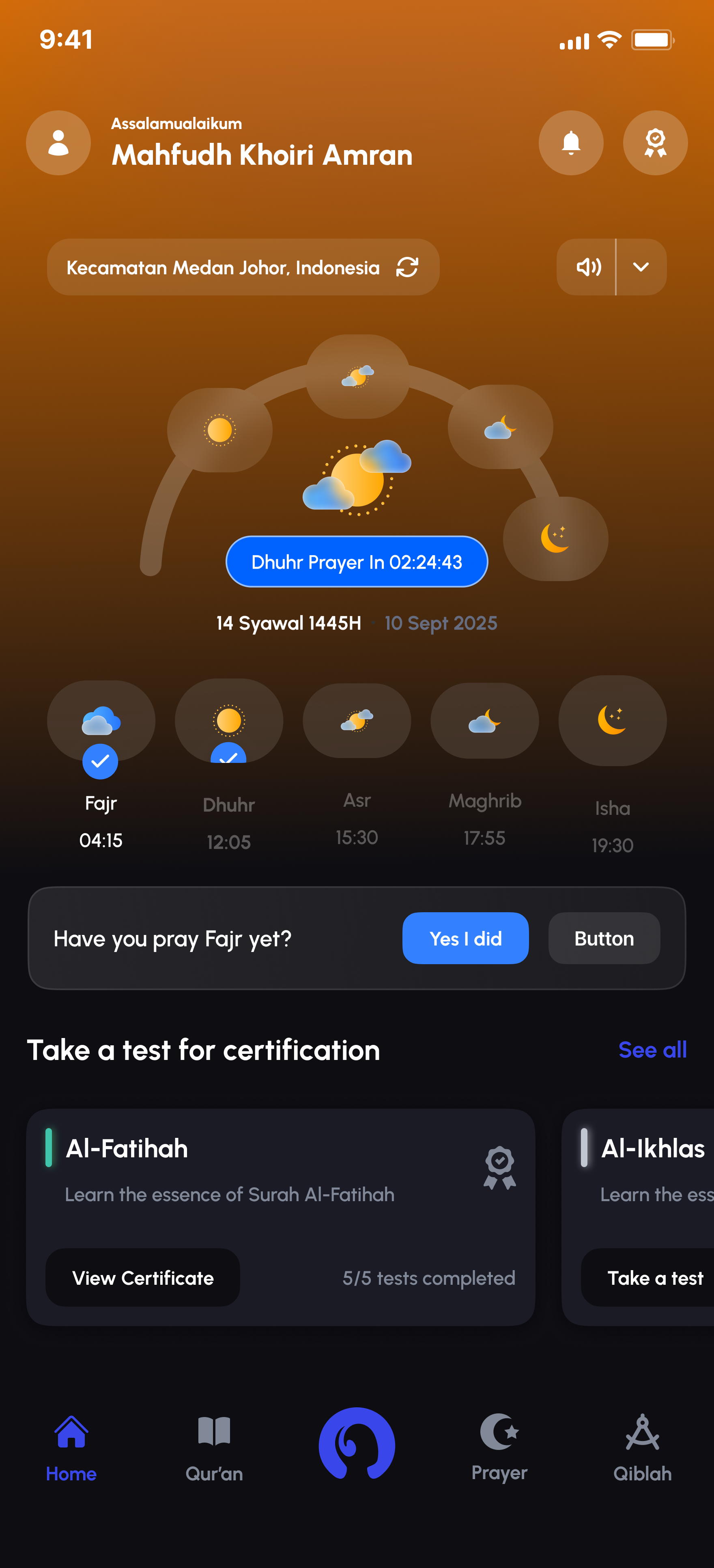
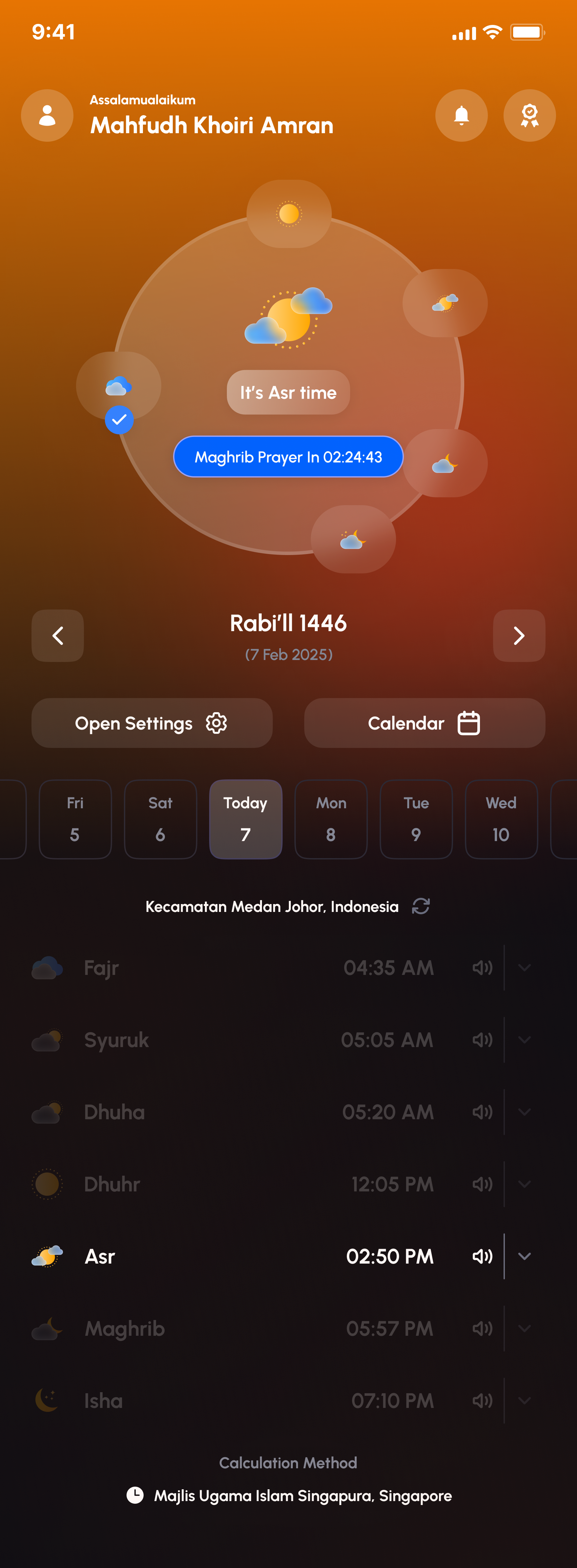
Prayer-time apps are a crowded category, most look interchangeable: a countdown, a list of five times, a green mosque icon. Alafasy needed to feel calmer and more considered than that, something closer to a daily companion than a utility, built around Sheikh Mishary Rashid Alafasy's recitations and a visual language that actually responds to the sky outside.
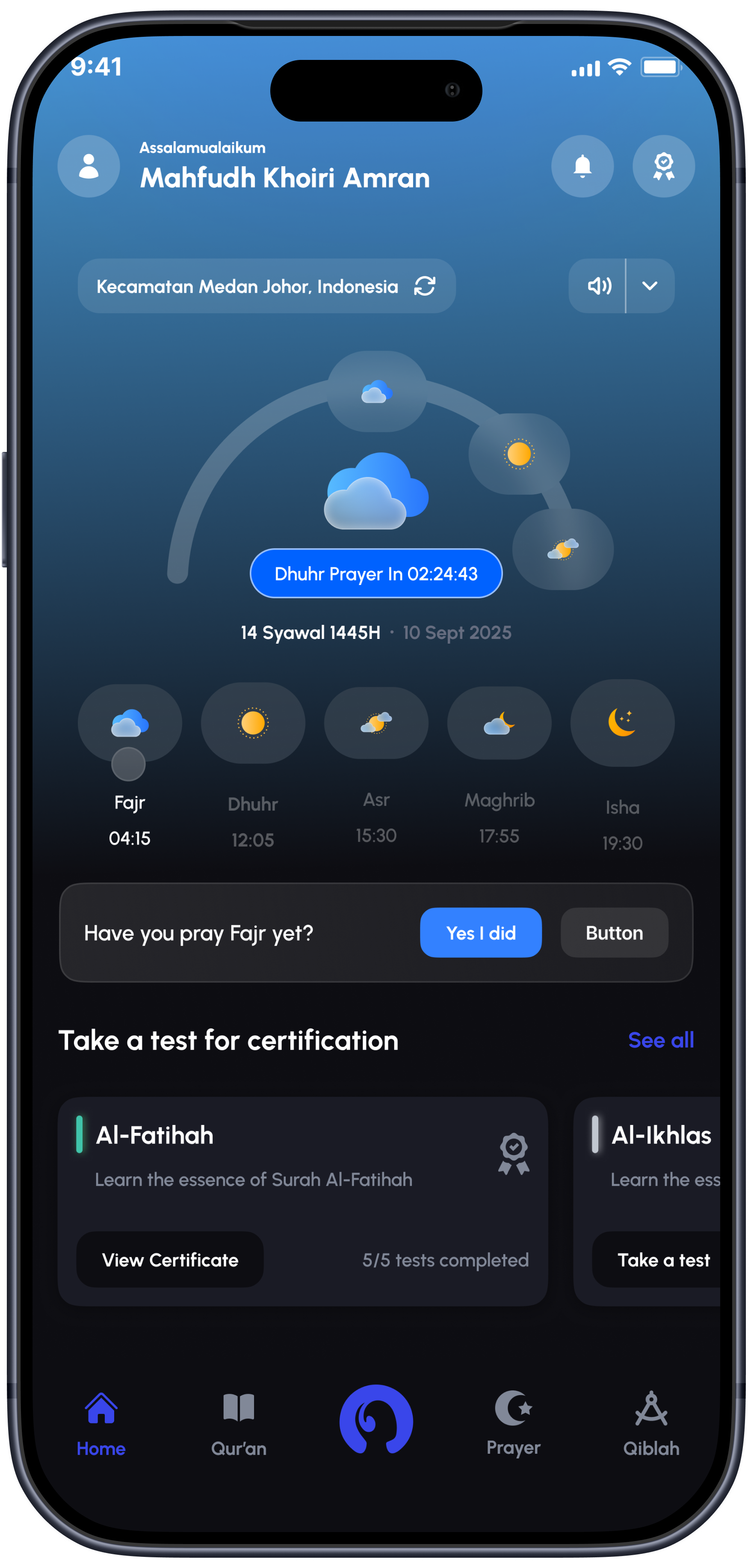
Alafasy home dashboard shown in a realistic phone frame

What I designed

Six areas, out of a much bigger app.

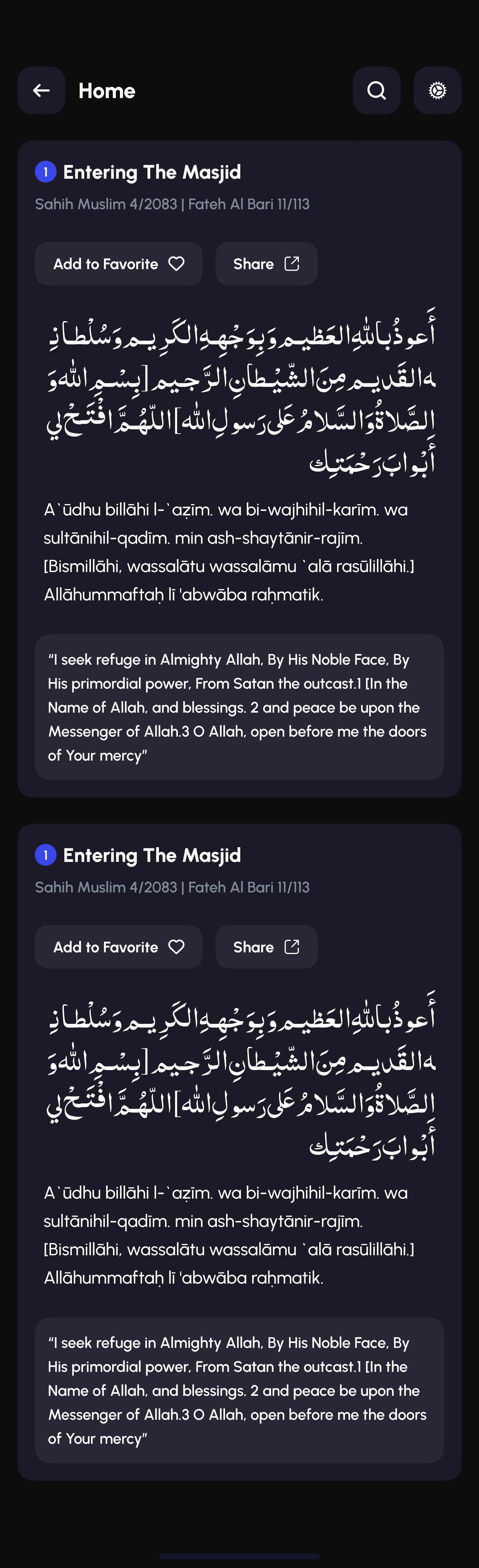
Alafasy shipped with far more surface area than any one case study can walk through screen by screen. These are six areas that show the range, from account basics to an AI-assisted recitation checker to a small charity marketplace tucked inside a prayer app.

01 - Account & settings

An account that respects the guest, too.

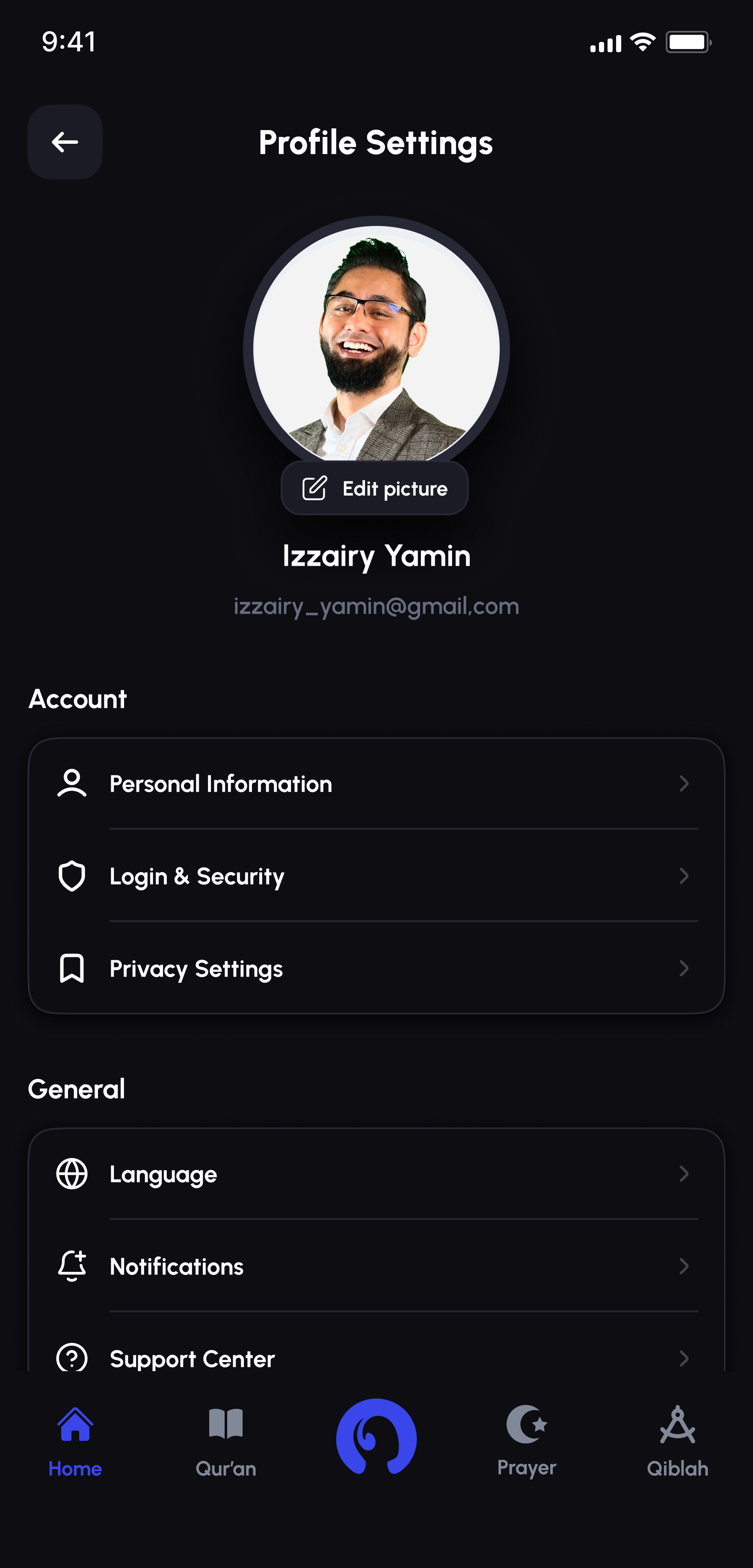
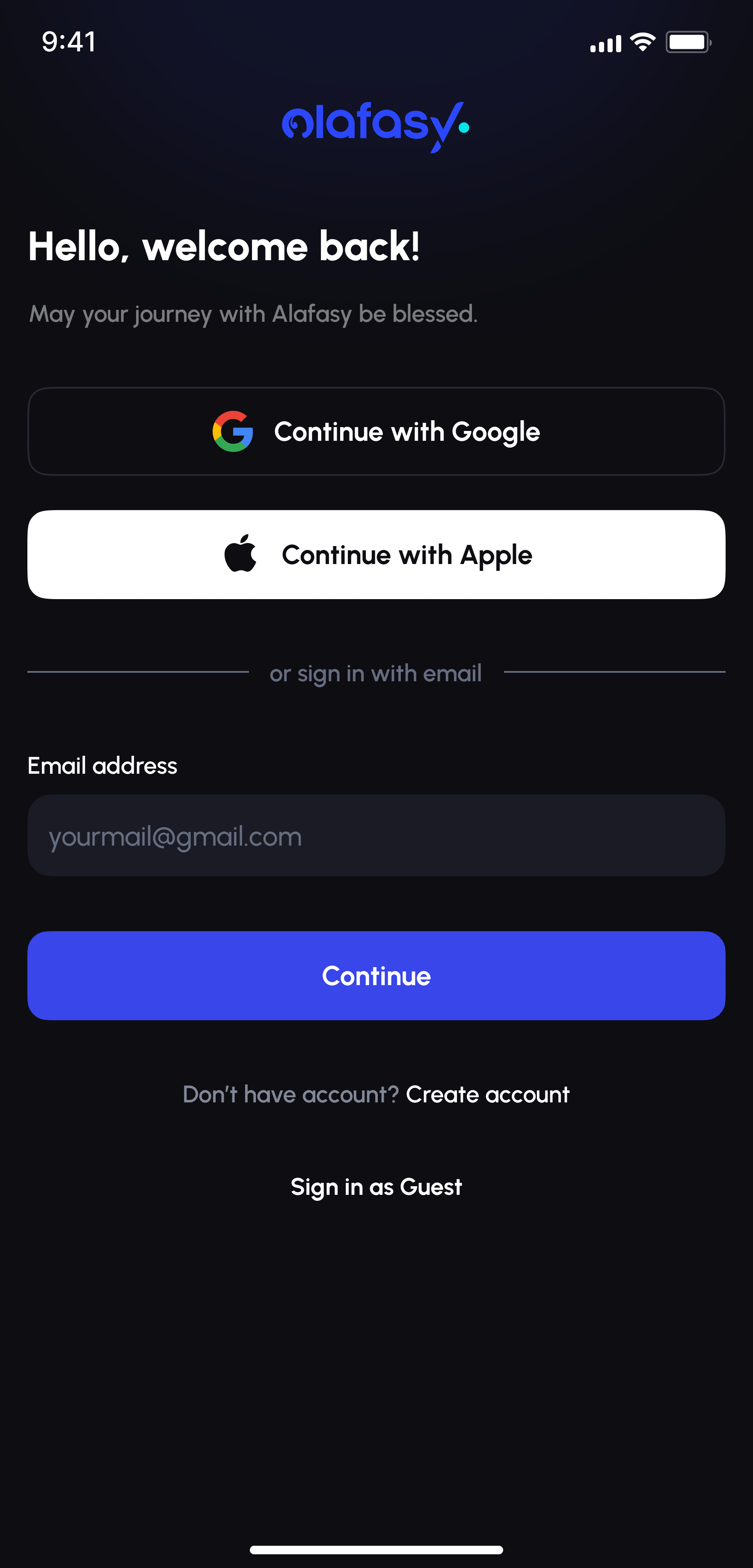
Sign in with Google, Apple, or email, or skip it entirely with "Sign in as Guest," since not every prayer companion needs a login wall on day one. Profile, login security, and privacy preferences live under one settings hub, with plain-language copy at every step: what's being shared, why, and how to delete it.
Alafasy login screen with Google, Apple, and email sign-in
Alafasy profile settings screen
Alafasy splash screen with logo and Your Lifetime Spiritual Compass tagline

02 - Home dashboard

One home screen, five times of day.

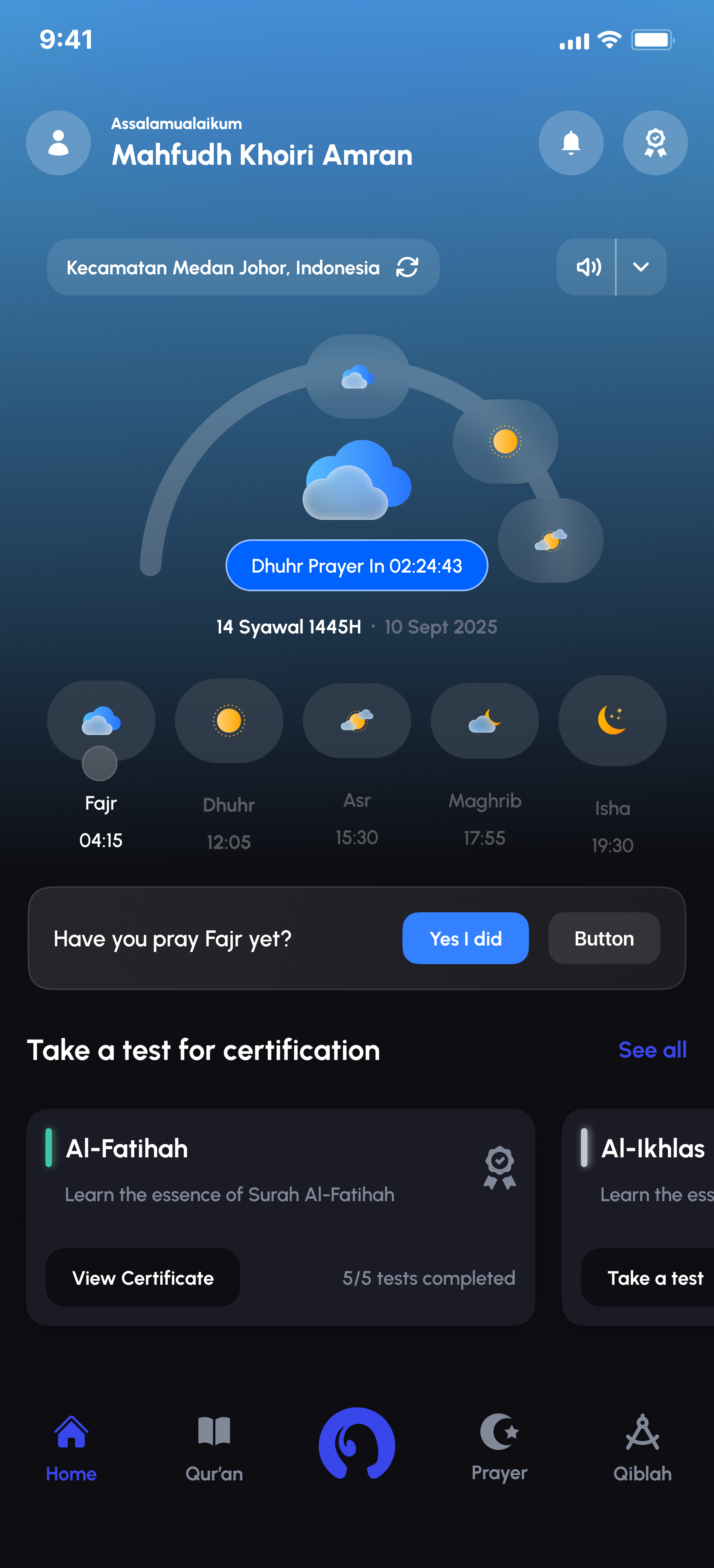
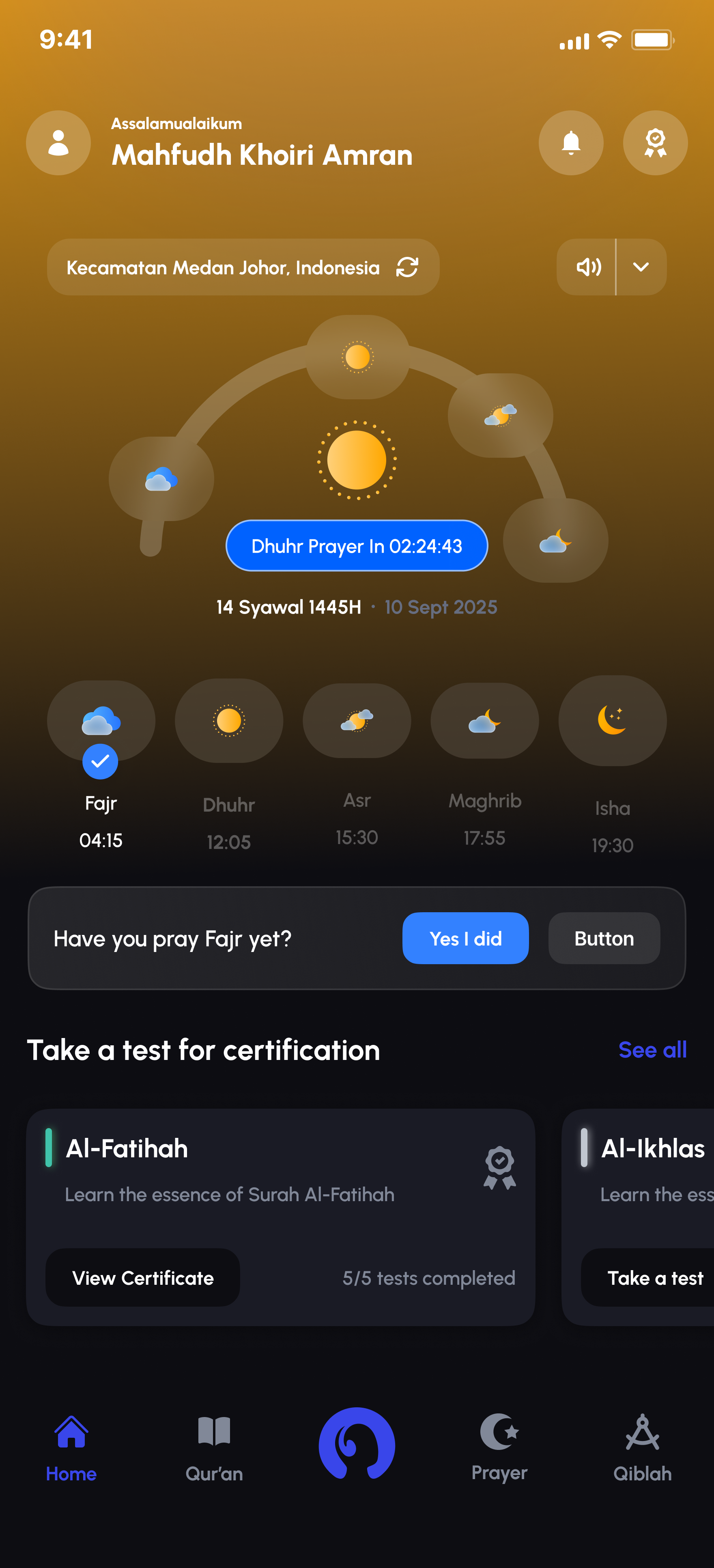
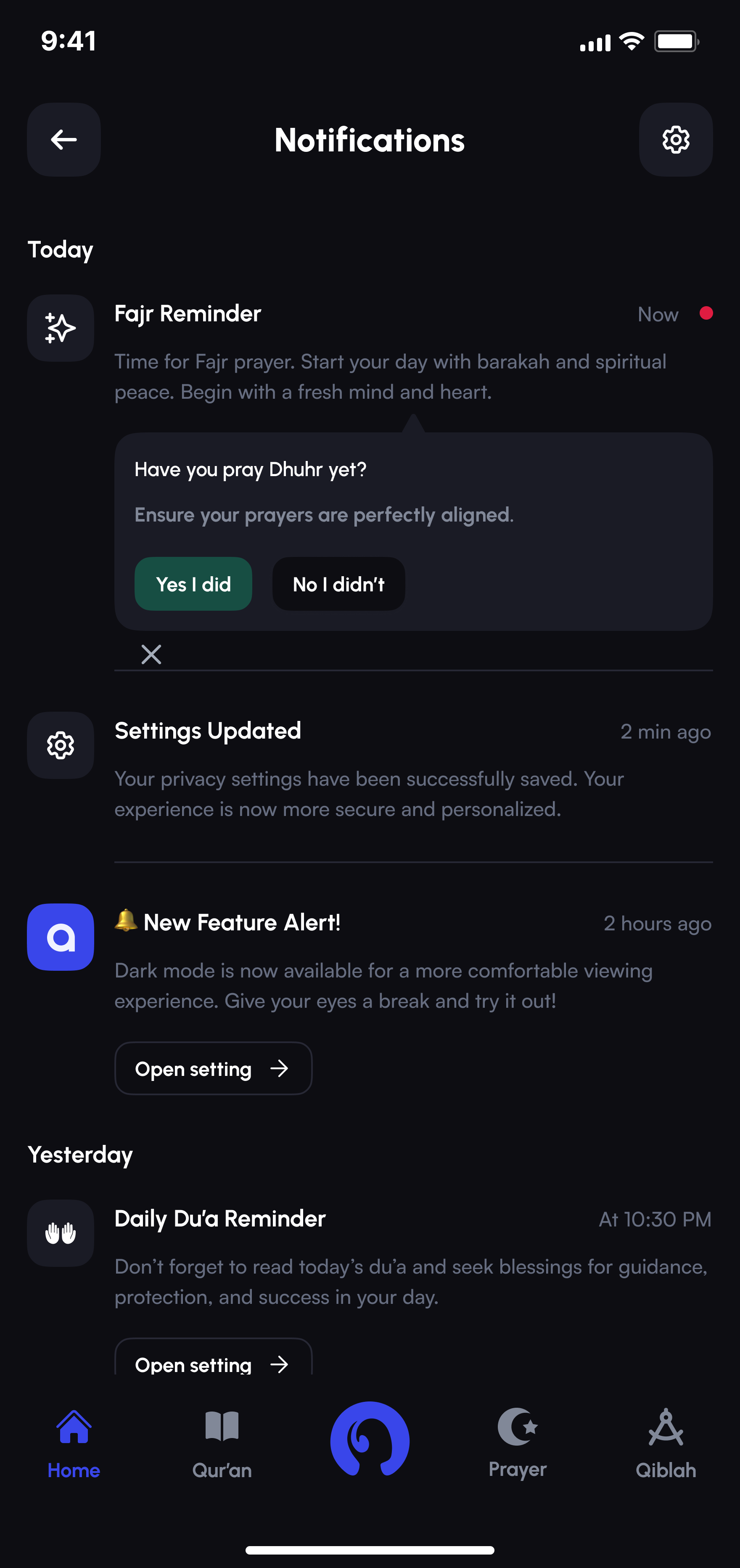
Sky-toned theming shifts the entire interface with actual prayer times, from pale morning blue through midday gold to deep dusk and night, rather than a simple light/dark switch. The dashboard underneath ties together a prayer-arc countdown, "have you prayed yet" nudges, certification progress, continue-reading cards, and a running feed of reminders, so the home screen earns a second look instead of just showing the time.

Alafasy home dashboard in pale morning blue theming
Alafasy home dashboard in midday gold theming
Alafasy home dashboard in deep dusk theming

03 - Qiblah direction

Qiblah direction, designed to be trusted.

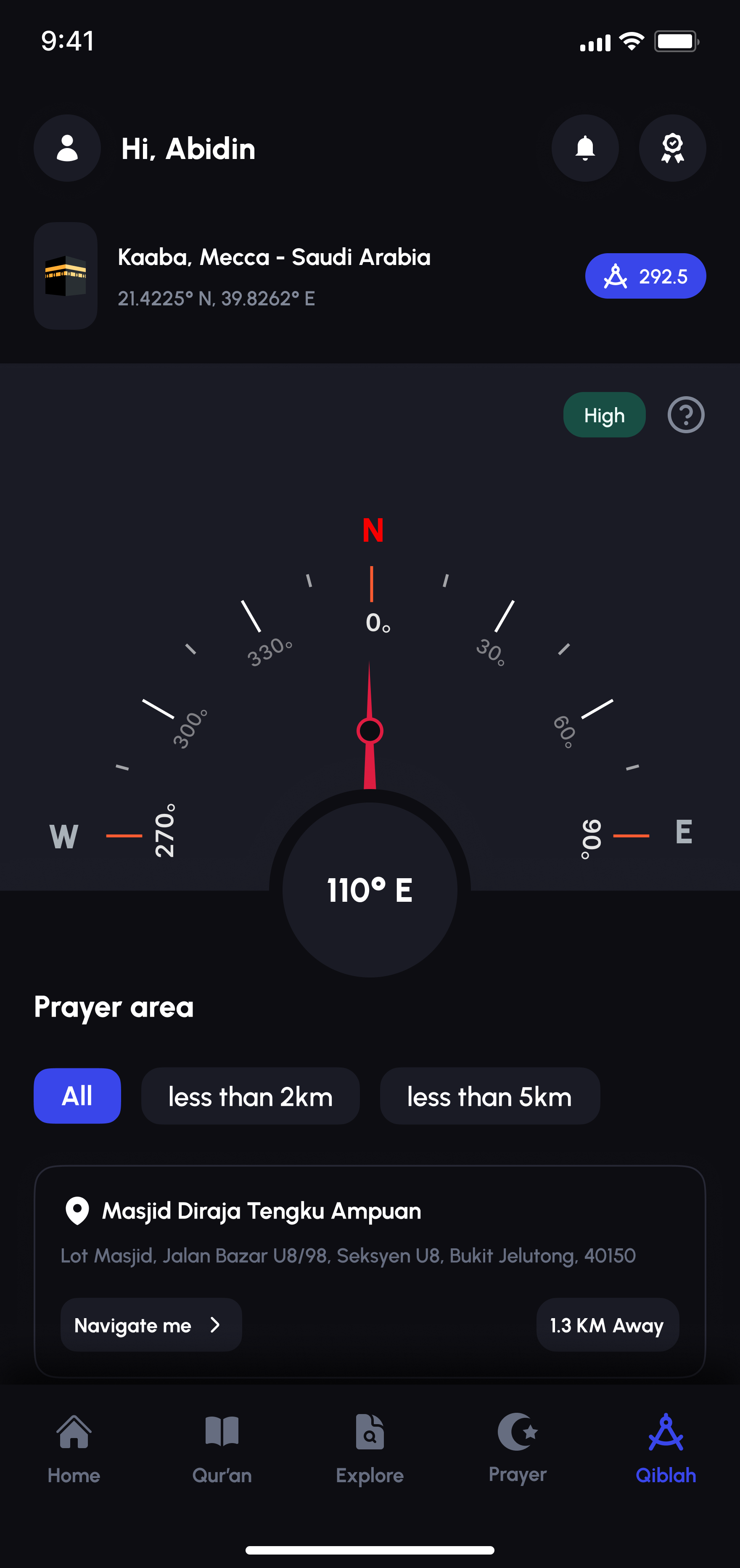
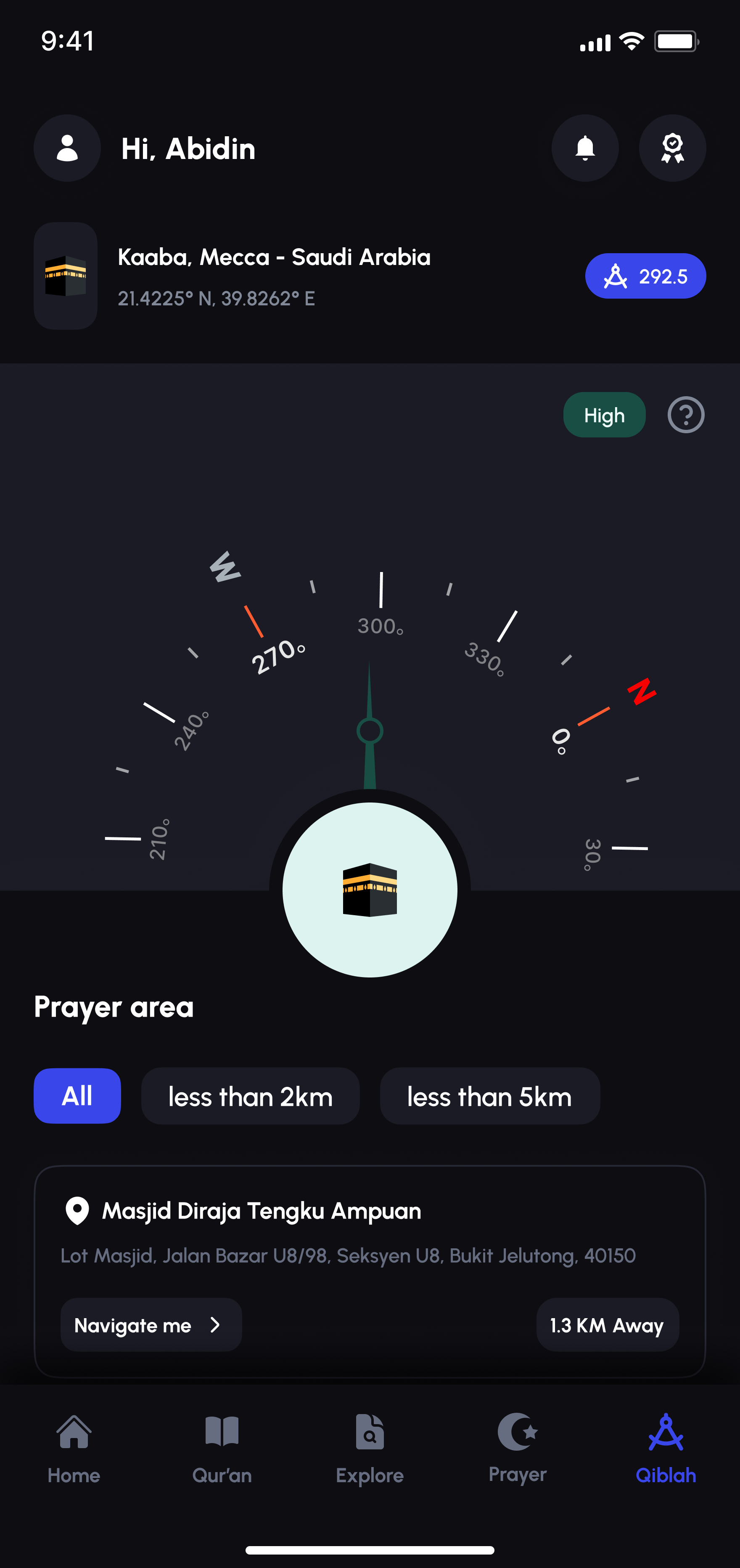
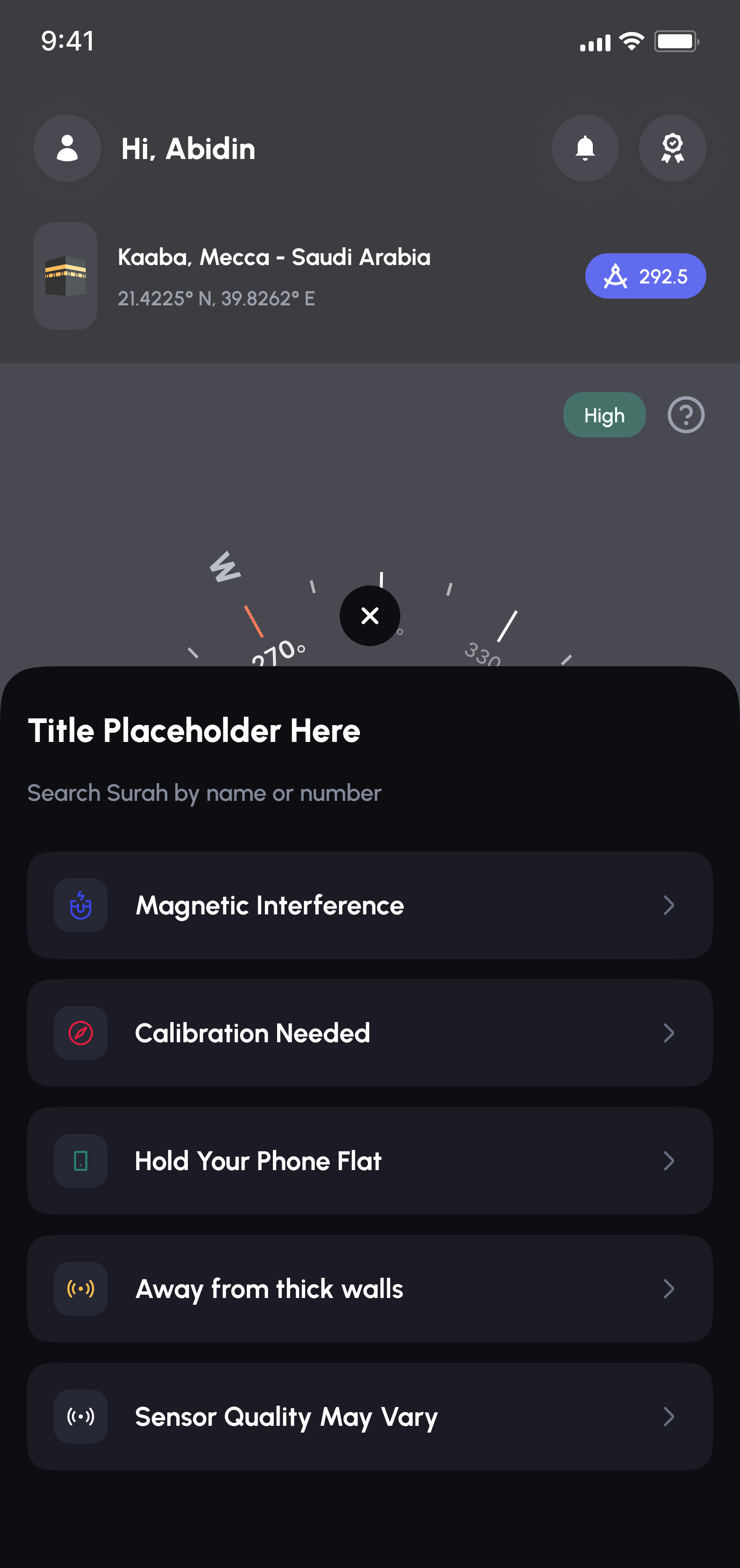
A compass is only useful if people believe the number it's showing. Alongside the live heading and a nearest-mosque finder, I designed a set of plain-language explainer screens for every way a phone's compass can go wrong, magnetic interference, an uncalibrated sensor, a tilted phone, thick walls, so the app can tell you why it's uncertain instead of just failing quietly.

Qiblah compass screen showing live heading and nearest mosque, dark mode
Qiblah compass confirming perfect alignment, light mode
Qiblah compass accuracy menu listing troubleshooting options

04 - Qur'an reader

A Qur'an reader for people who read it daily.

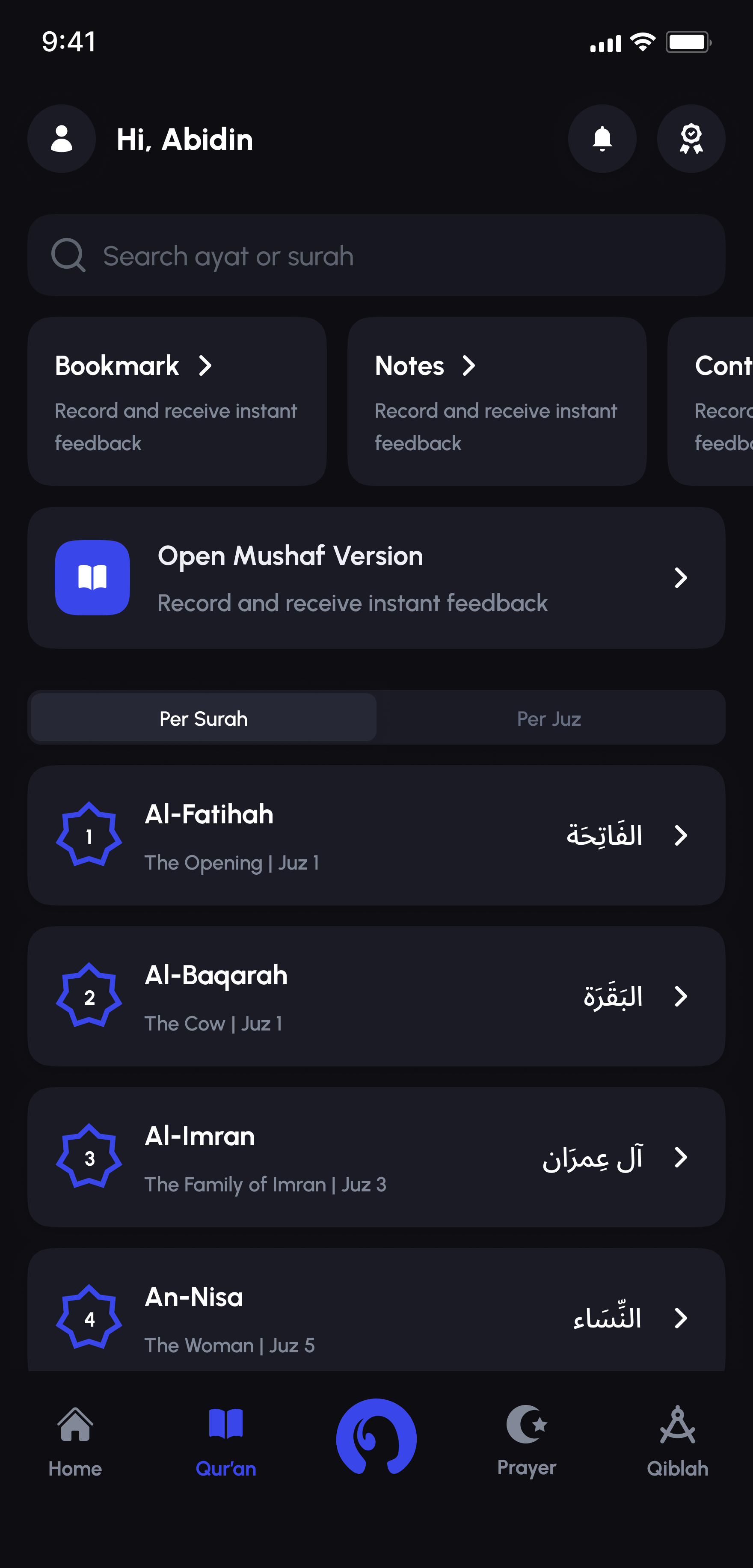
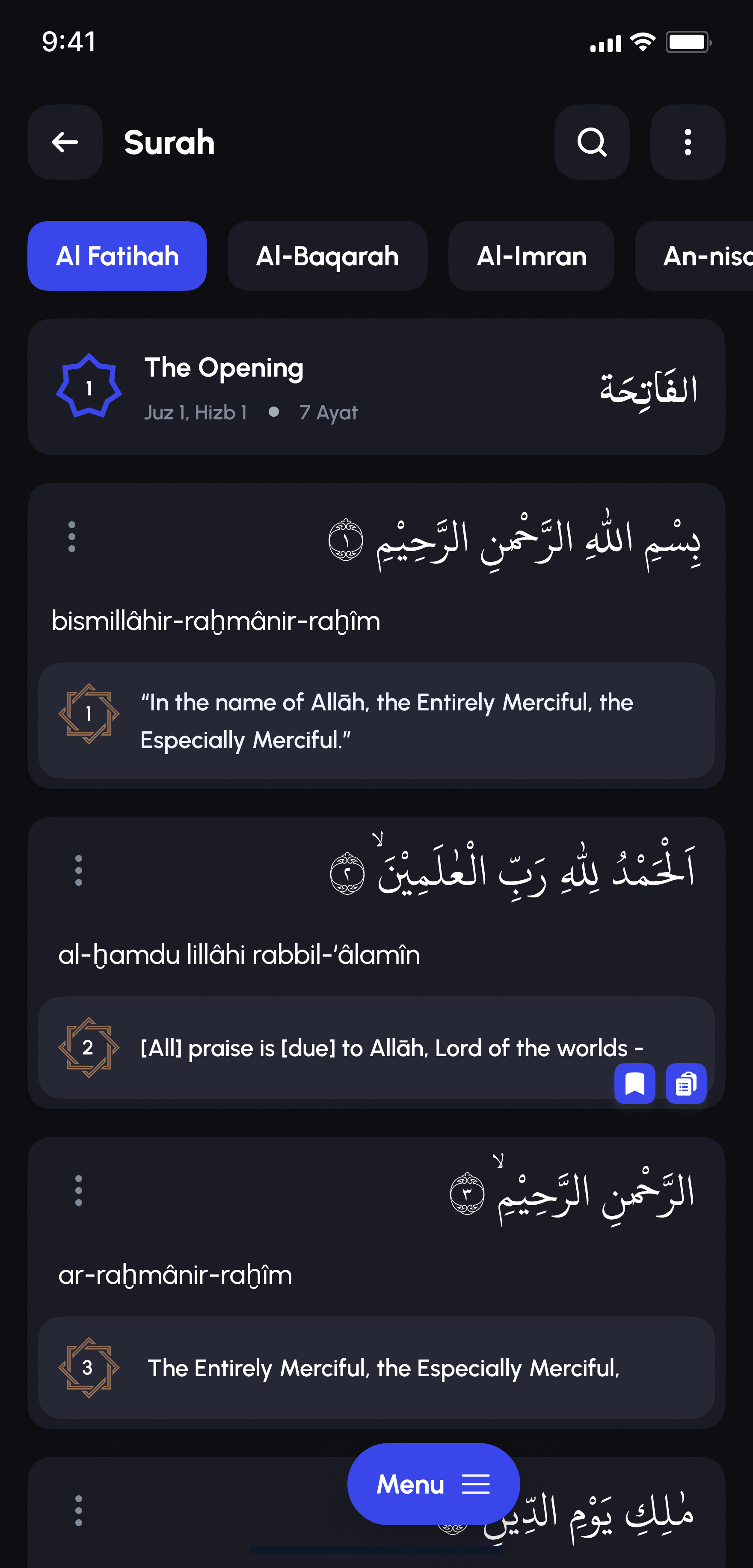
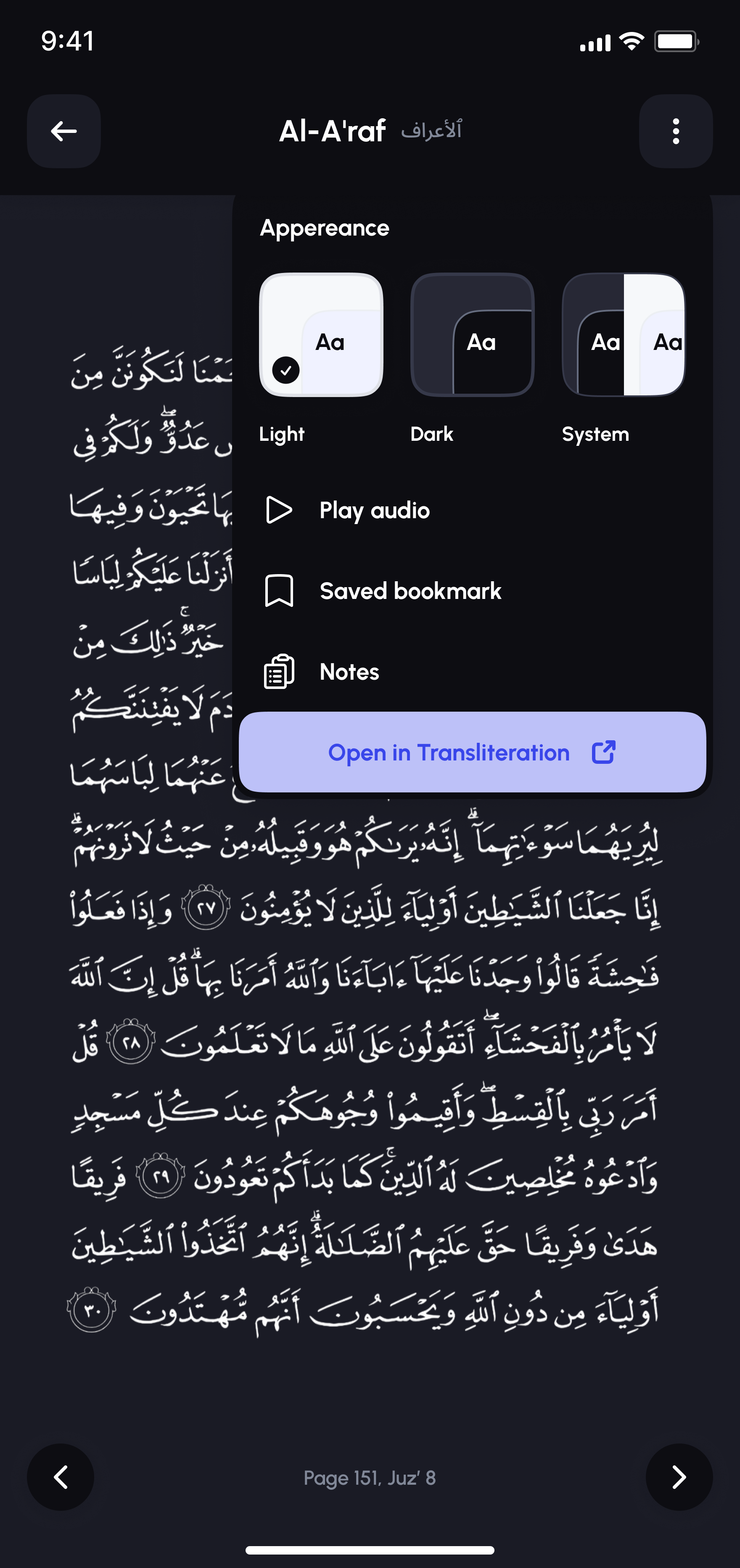
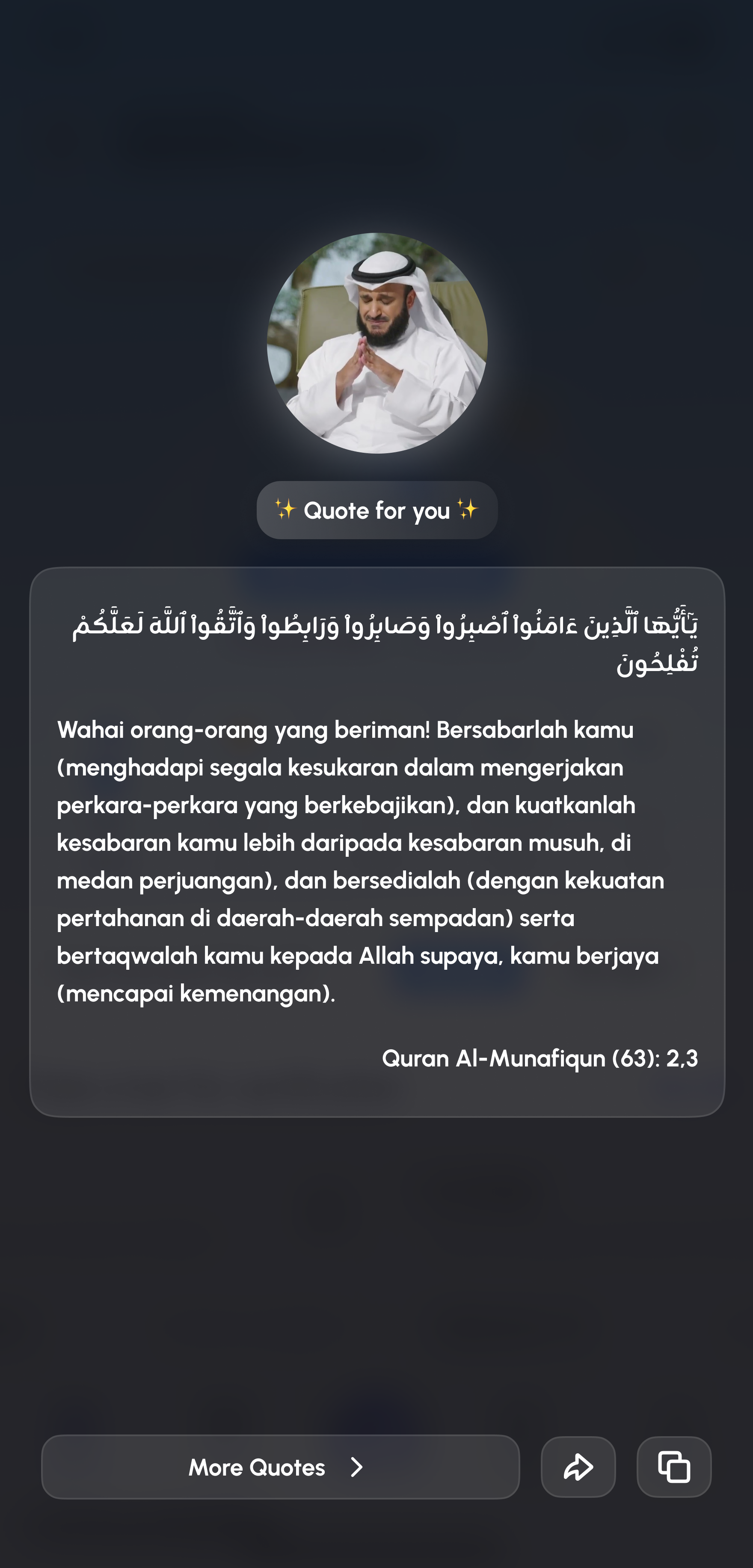
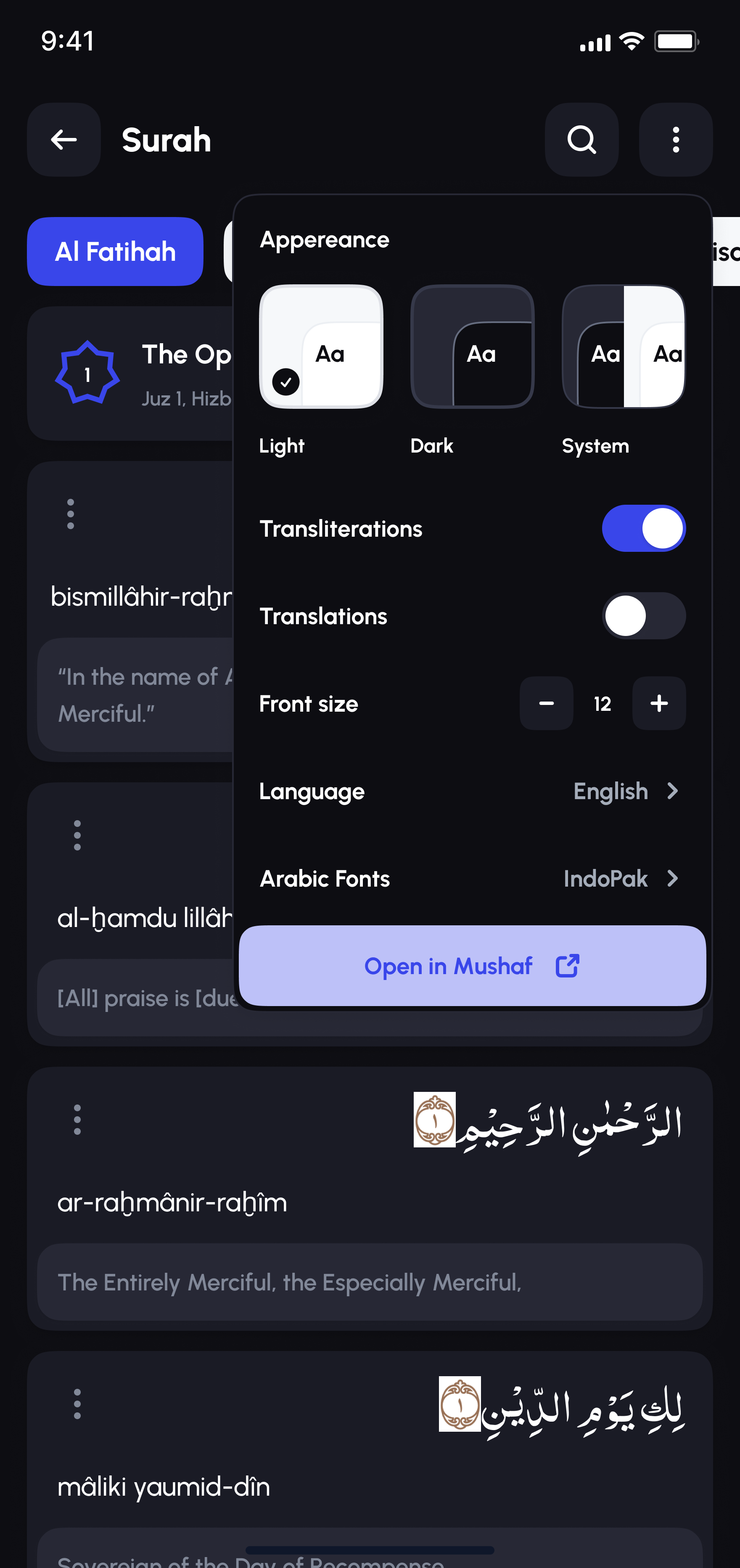
Bookmarks, notes, and continue-reading progress carry across sessions. Every ayah pairs Arabic script with transliteration and translation by default, verse-level audio and sharing are one tap away, and reading appearance, light, dark, or system, adjusts without ever leaving the page.

Alafasy Qur'an tab with surah list and continue reading
Alafasy surah reading screen with Arabic text and translation
Alafasy Qur'an appearance settings with light, dark, and system theme options

05 - Certification & AI checker

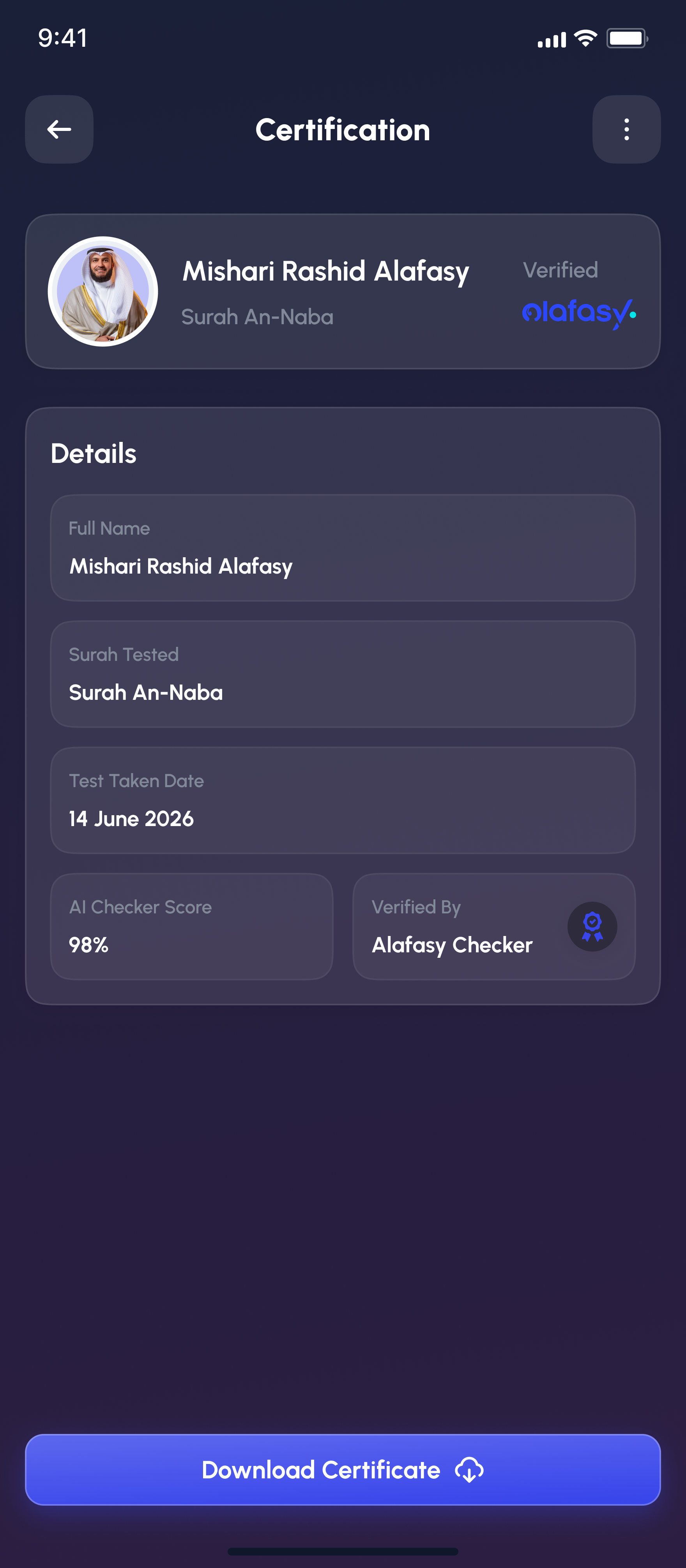
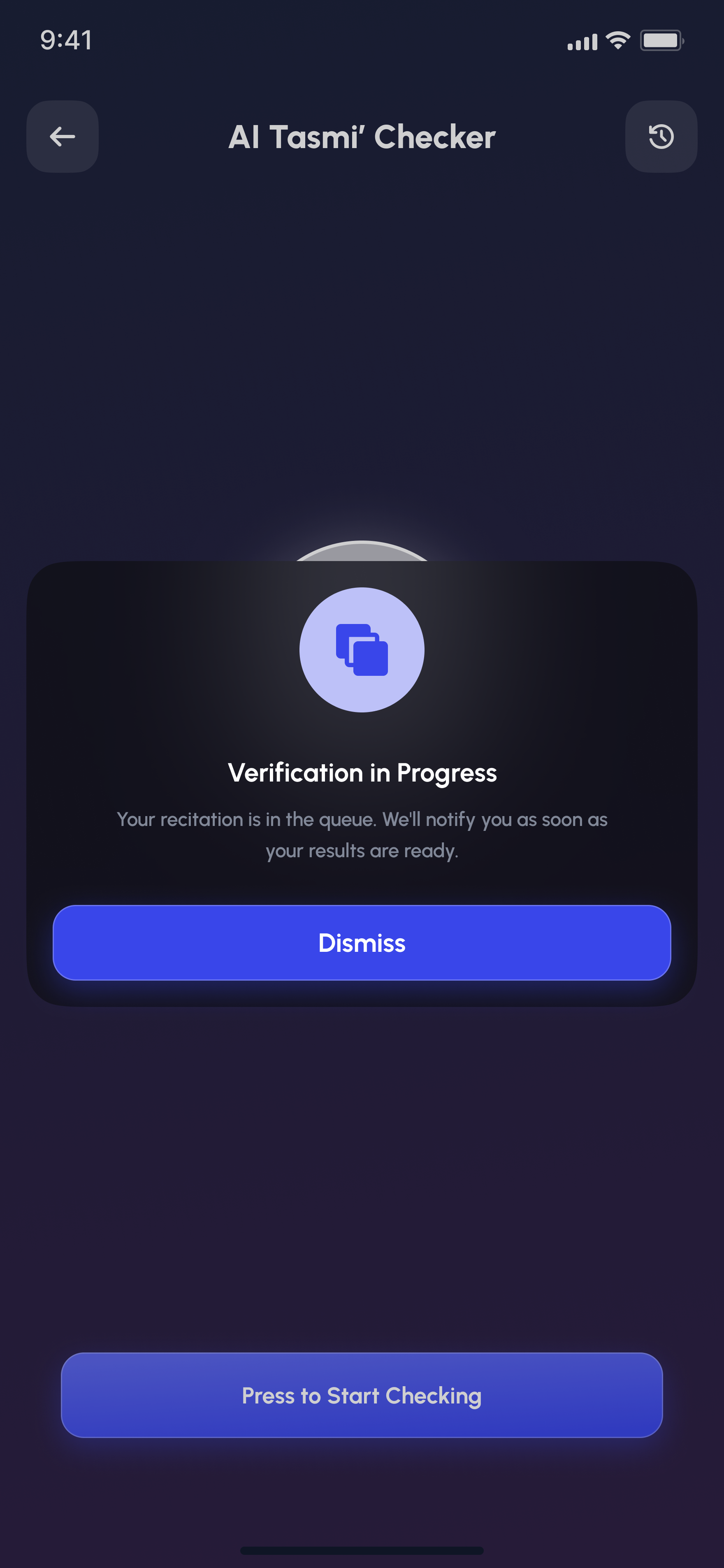
An AI that checks recitation, not just streaks.

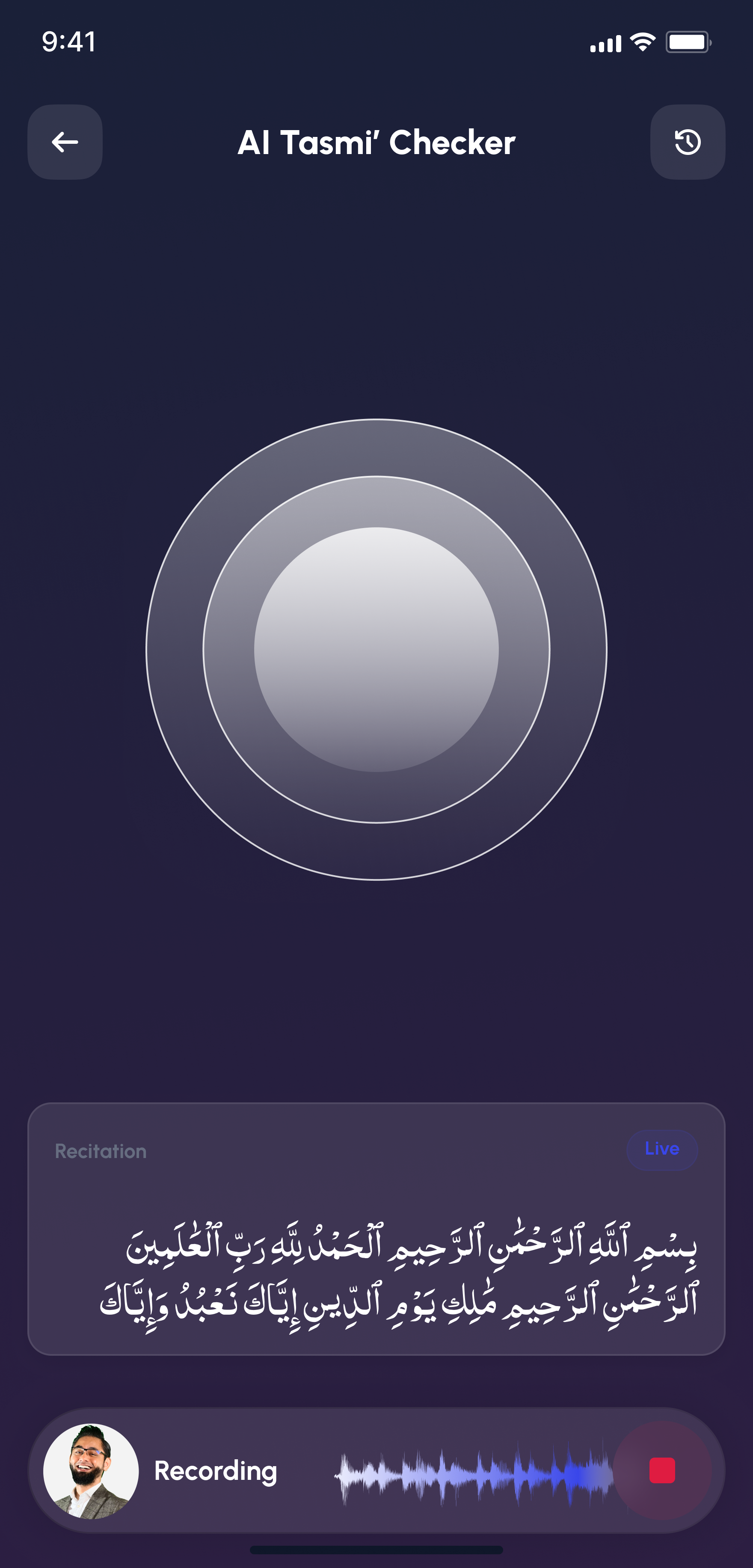
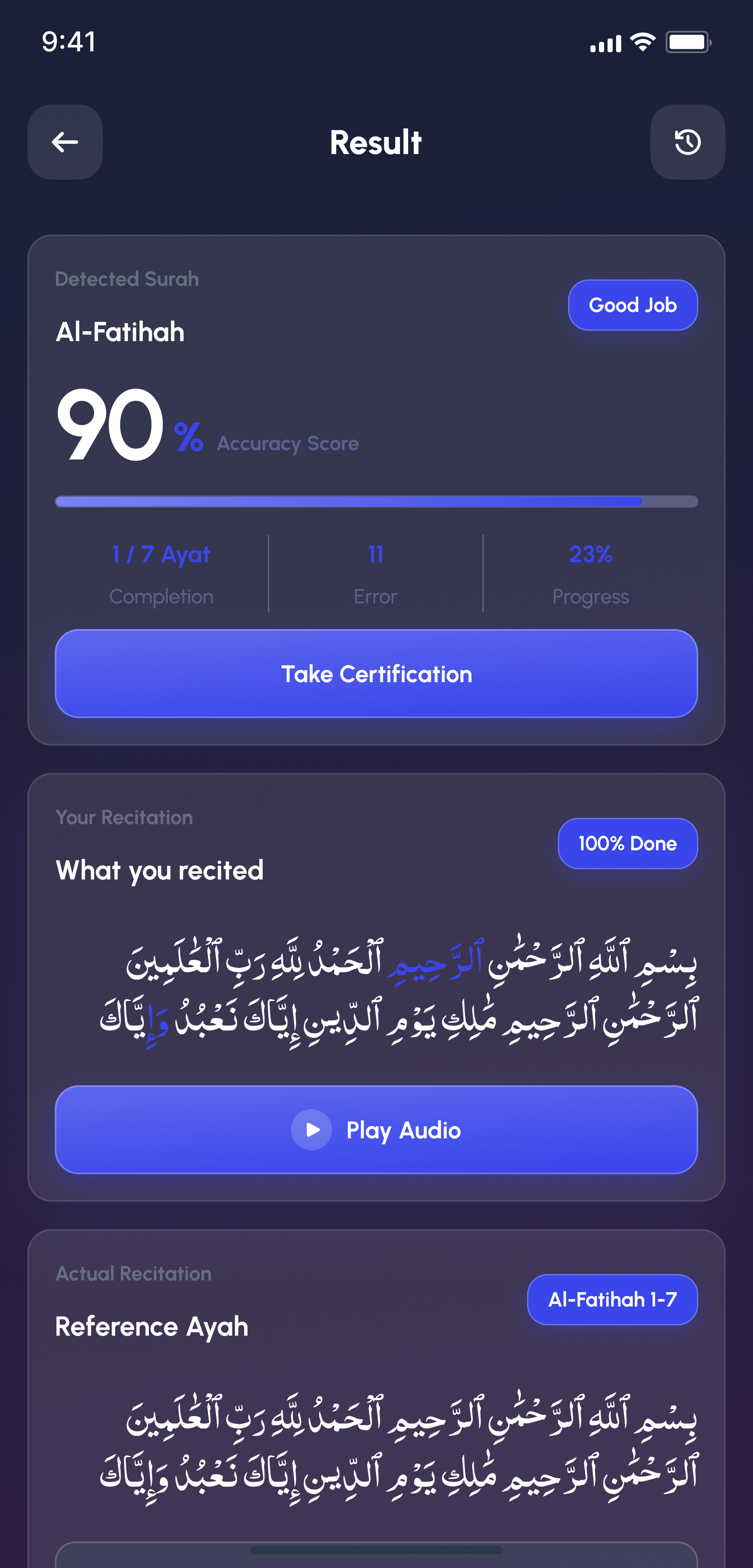
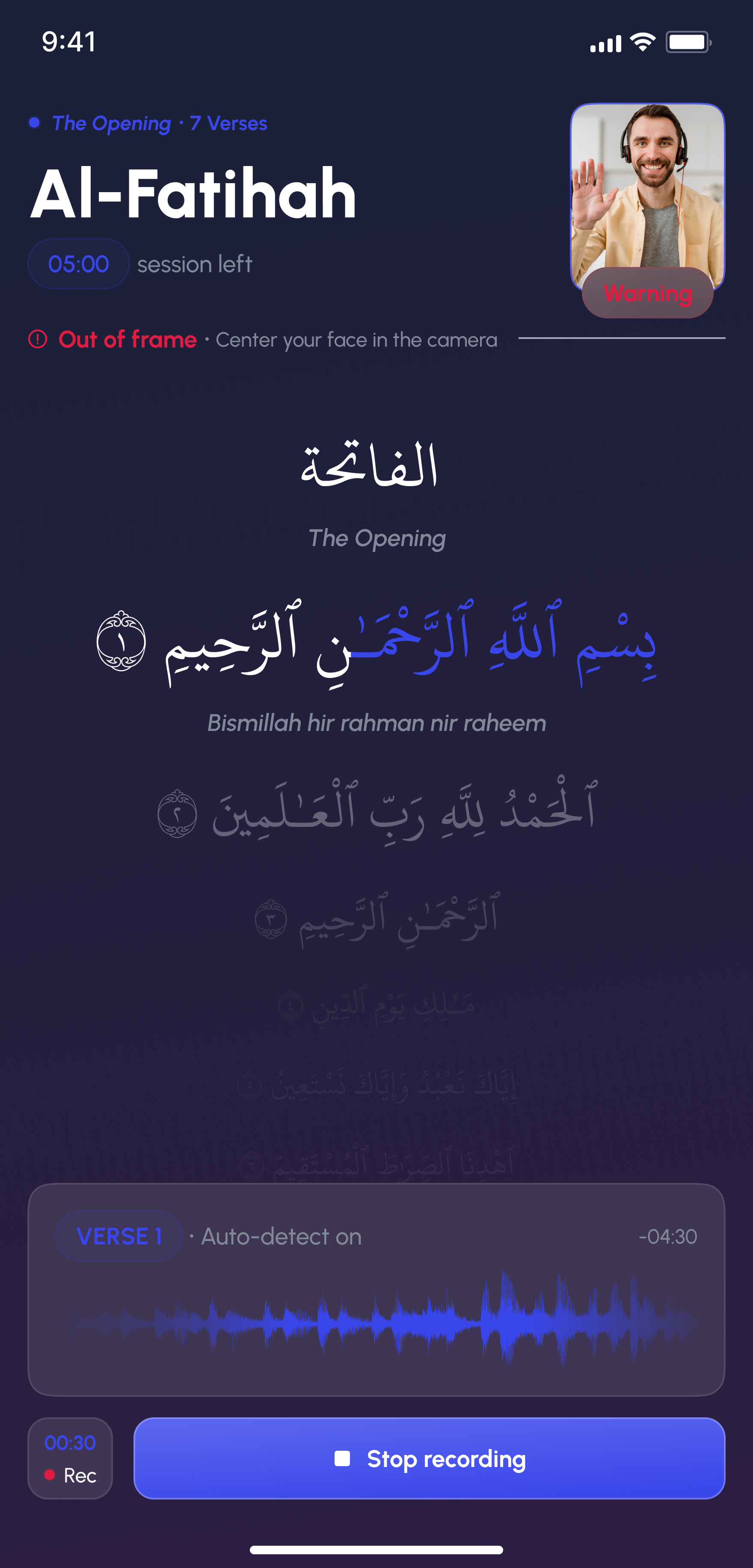
Beyond a simple completion badge, the AI Tasmi' Checker listens live to a recorded recitation, verifying the reciter stays in frame throughout, then compares what was said word for word against the reference ayah and returns an accuracy score with a categorized error breakdown, missed, extra, or incorrect, so where a recitation went wrong is visible, not just that it did.

Alafasy AI Tasmi' Checker live recording screen
Alafasy AI Tasmi' Checker result screen with accuracy score and error breakdown
Alafasy AI Checker face verification screen guiding the reciter into frame

06 - Hasanat meal sponsor

Sadaqah that turns into an actual meal.

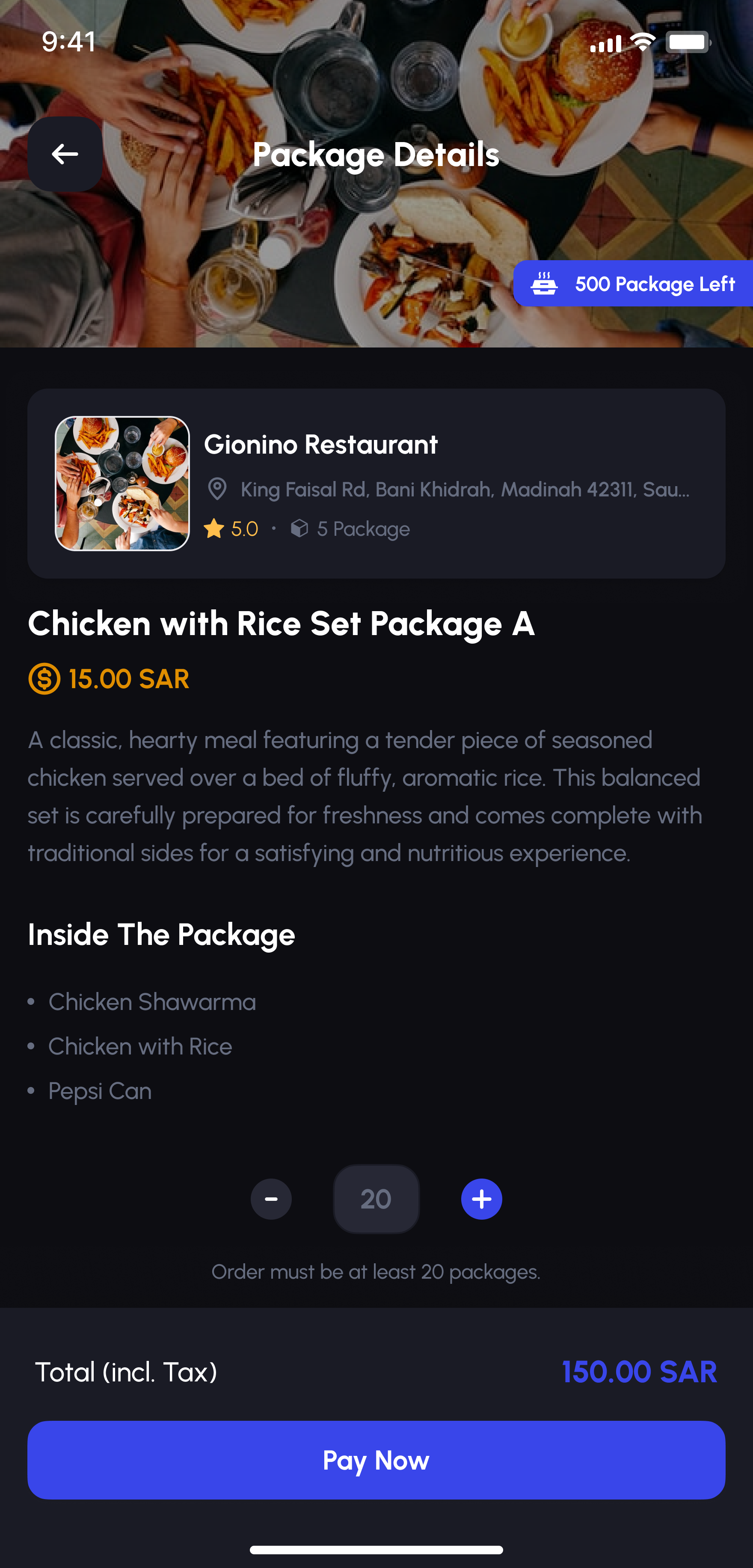
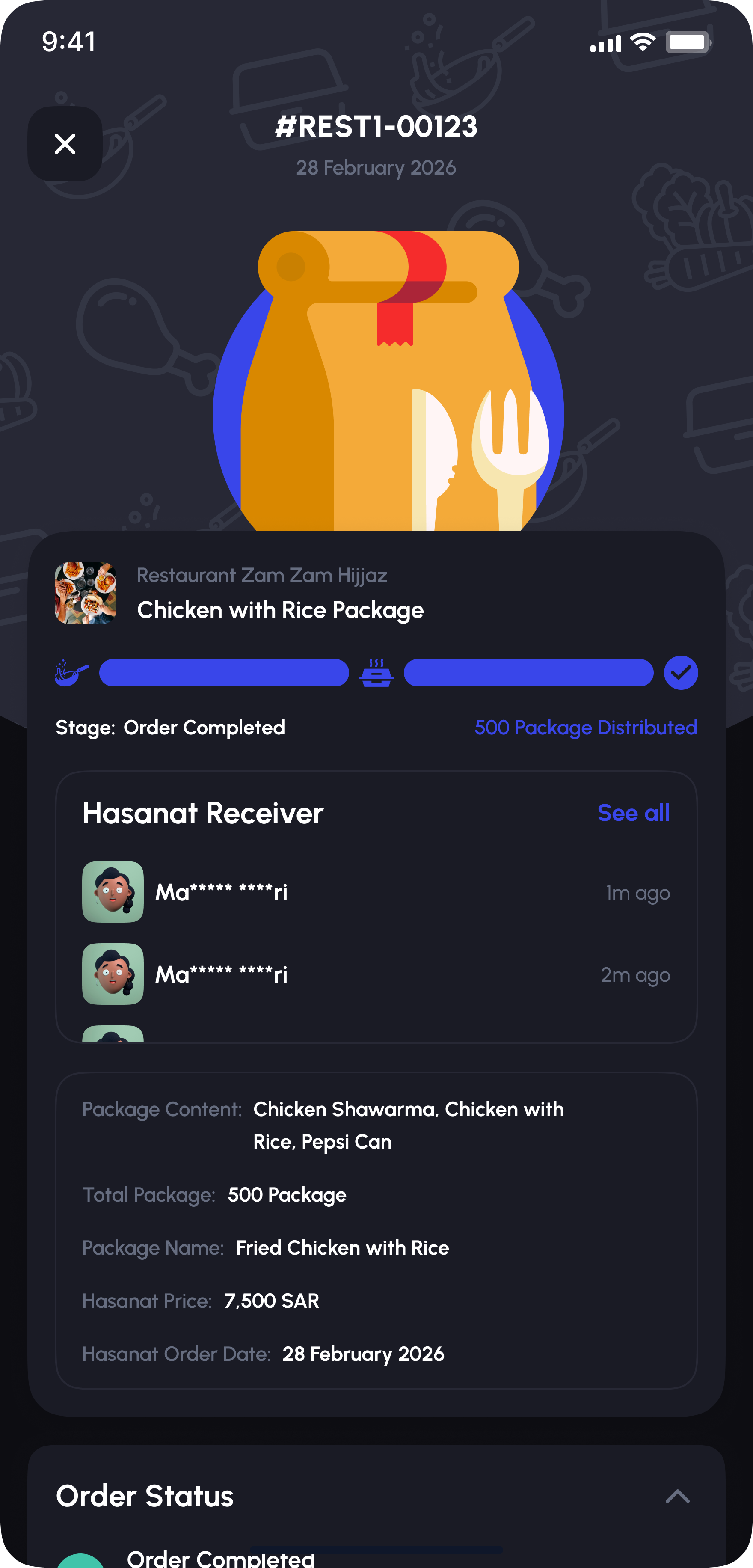
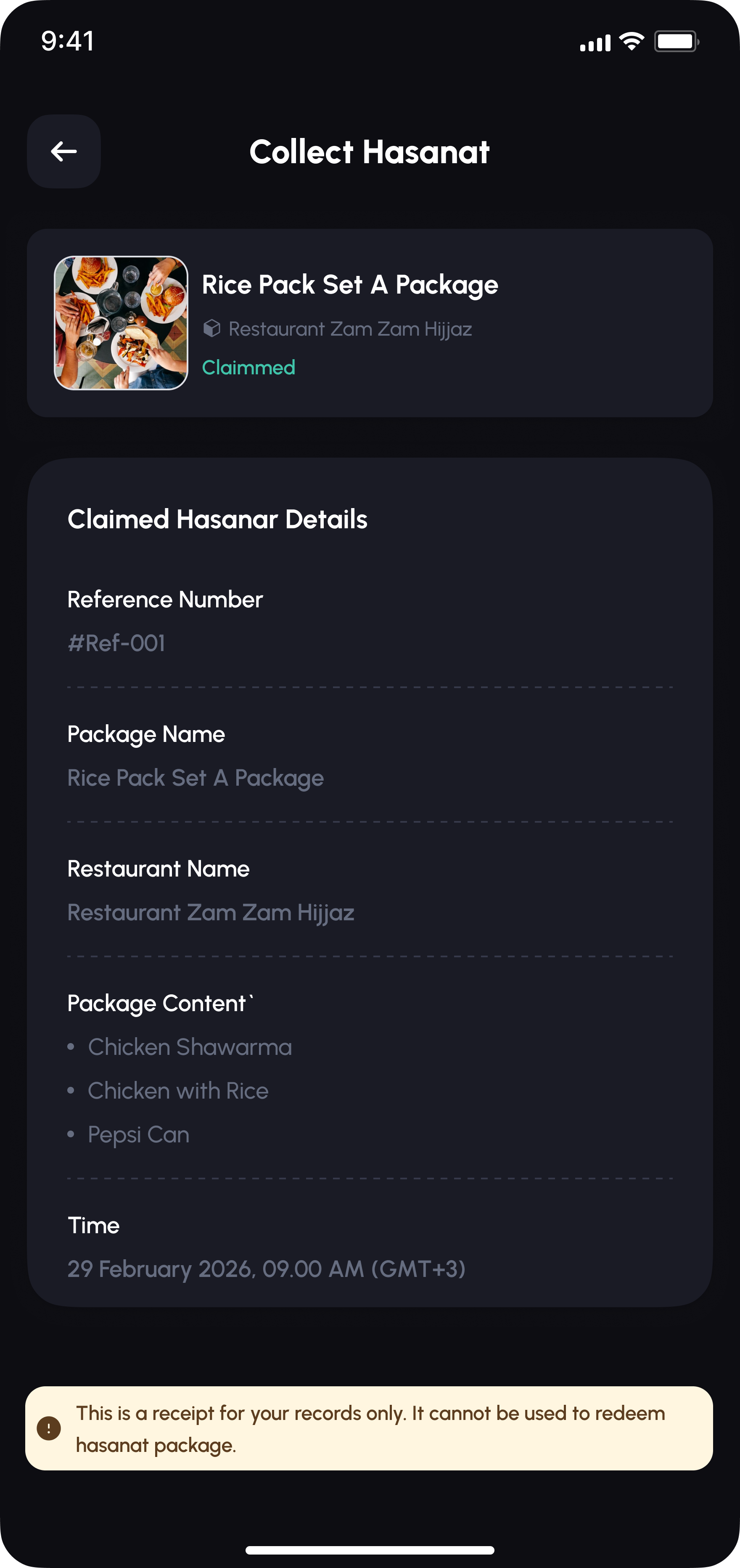
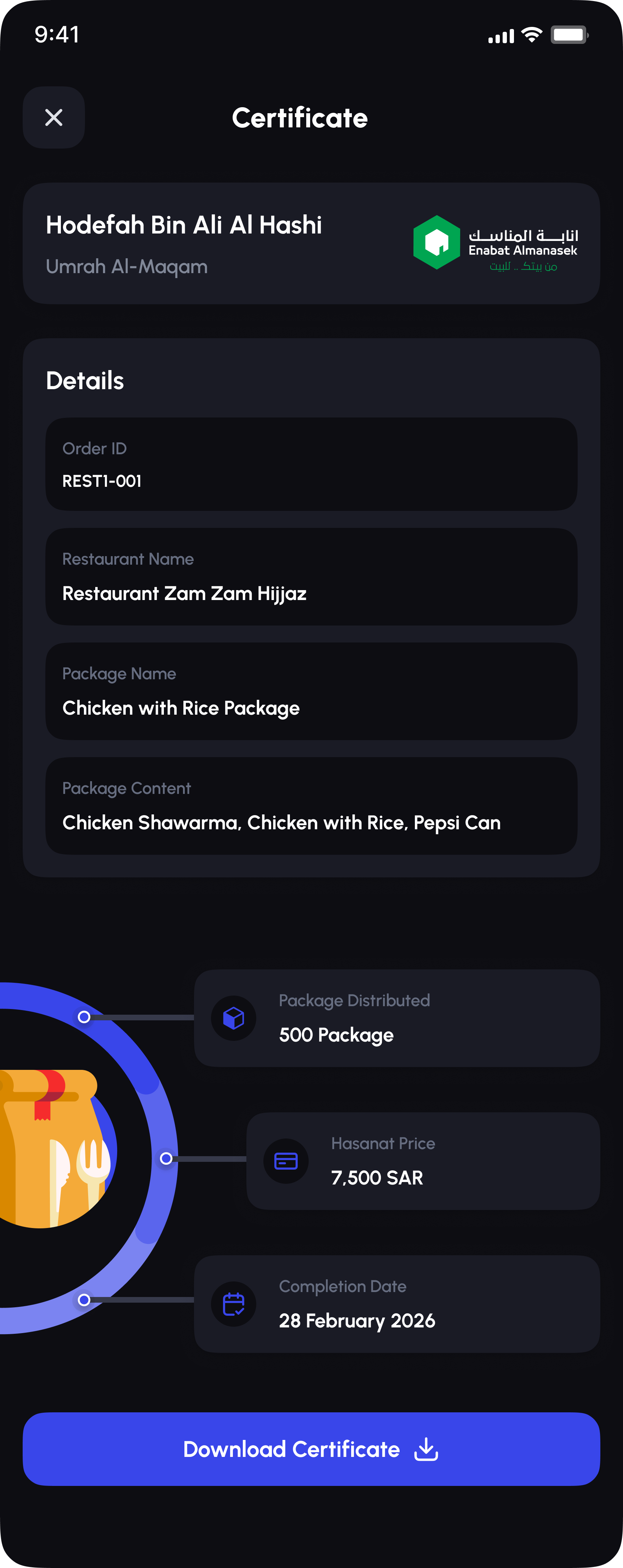
Hasanat lets a sponsor buy a meal package for someone in need at a partner restaurant, no cash changes hands, then track it through to distribution: how many packages went out, who claimed one (names masked for privacy), and a receipt on the receiving end. It's a small, complete marketplace tucked inside a prayer app, built around the idea that giving should be as easy to follow as it is to give.

Alafasy Hasanat package details screen for sponsoring a meal package
Alafasy Hasanat order tracking screen showing distribution progress and receivers
Alafasy Collect Hasanat claimed-receipt screen

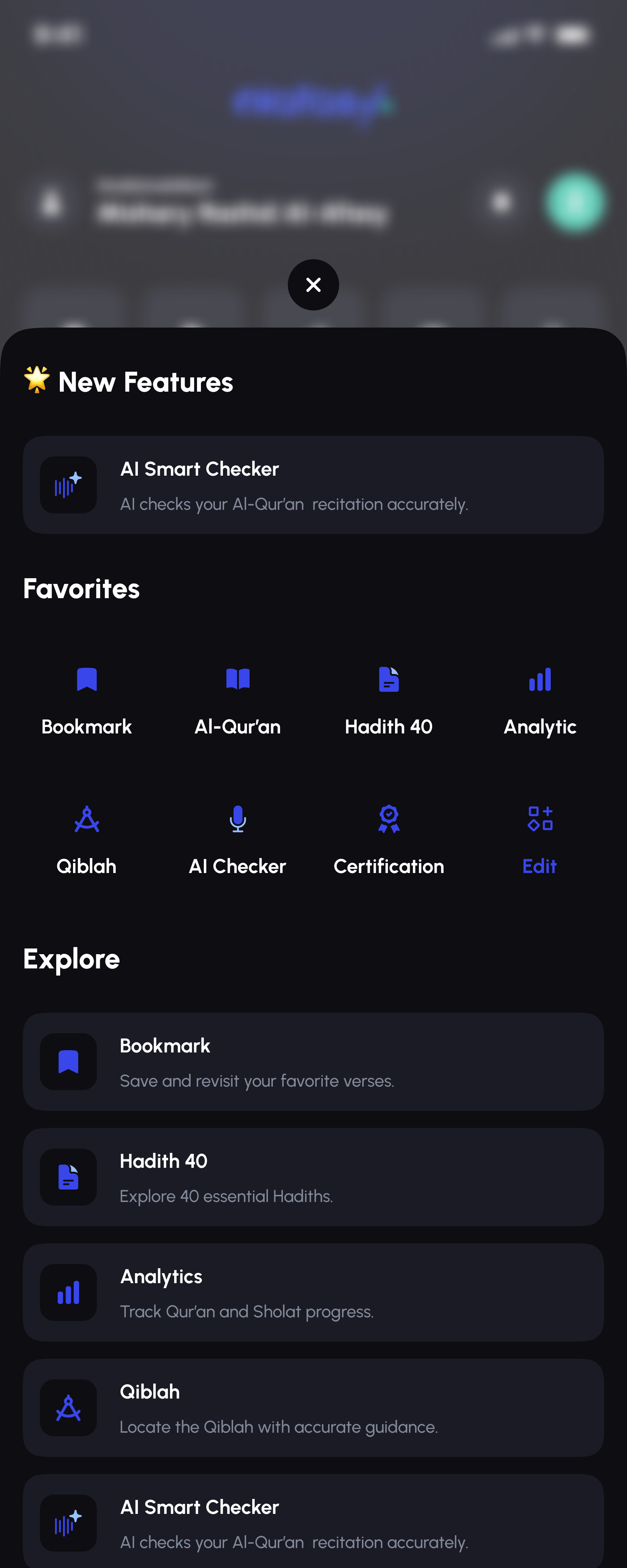
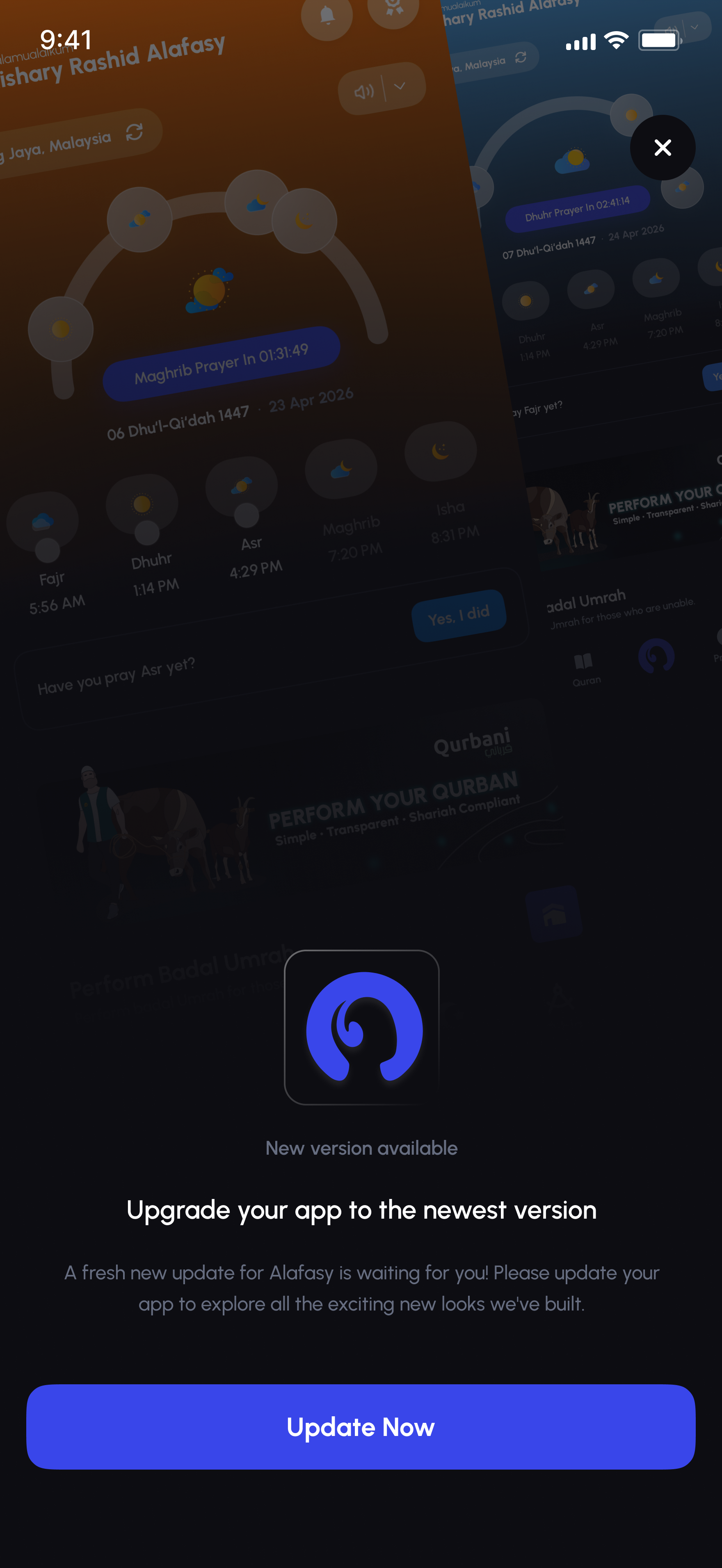
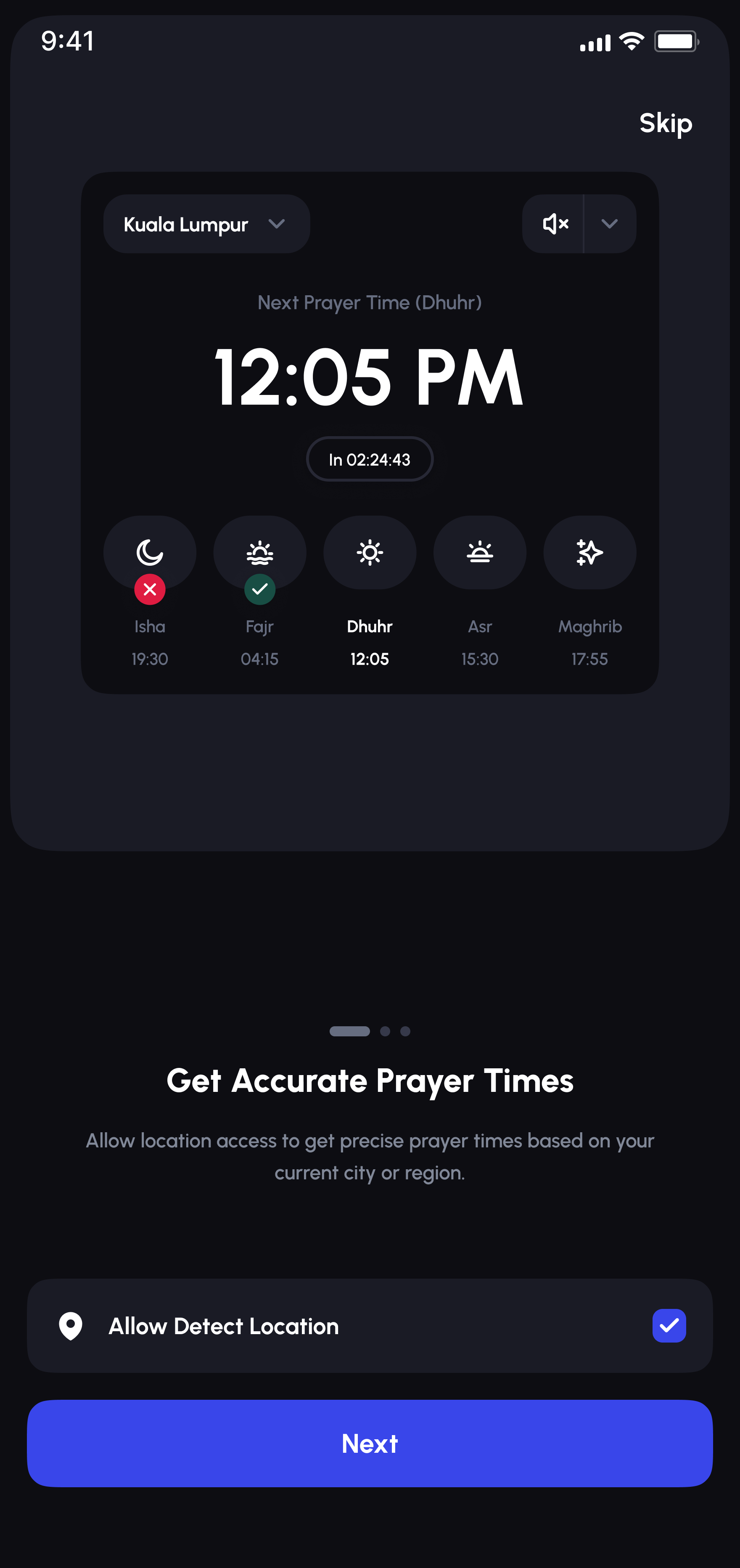
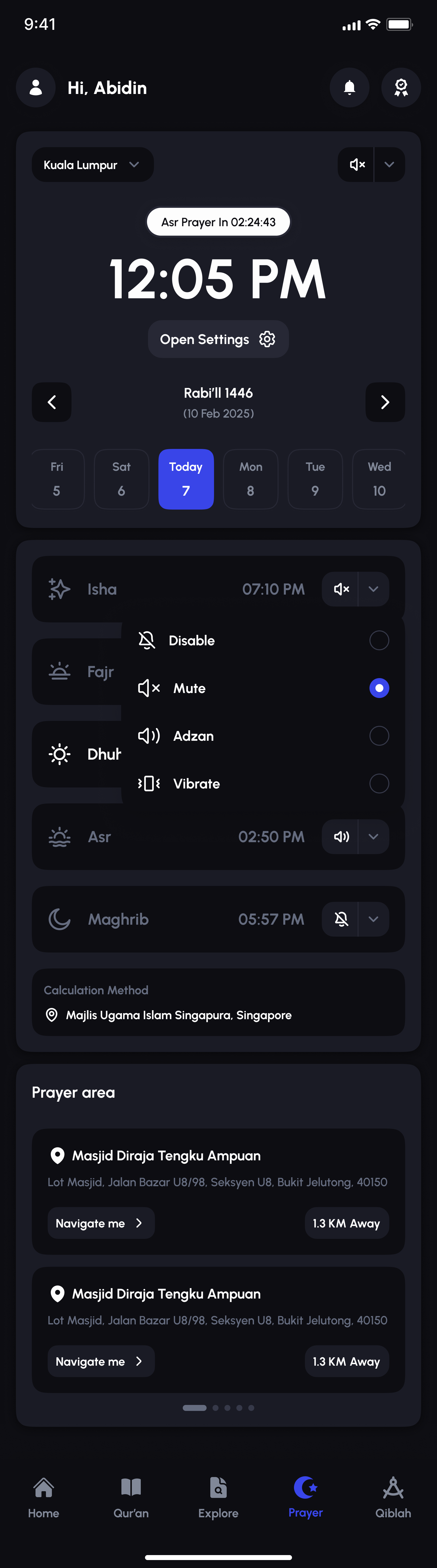
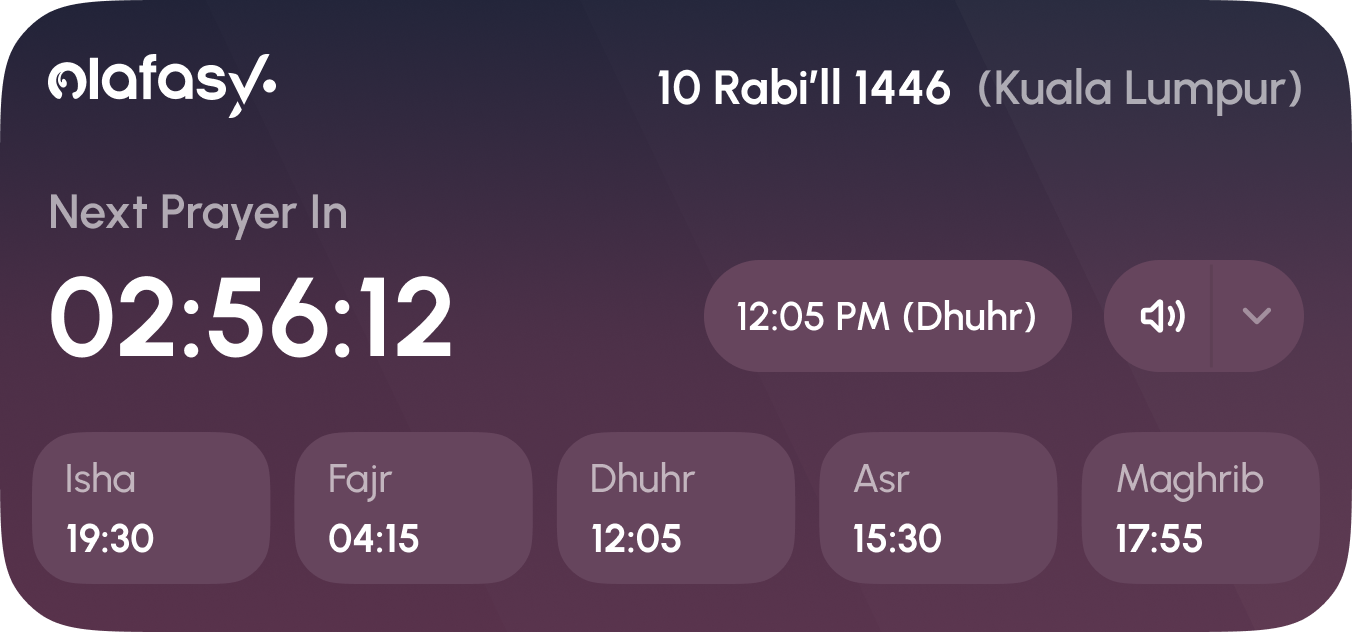
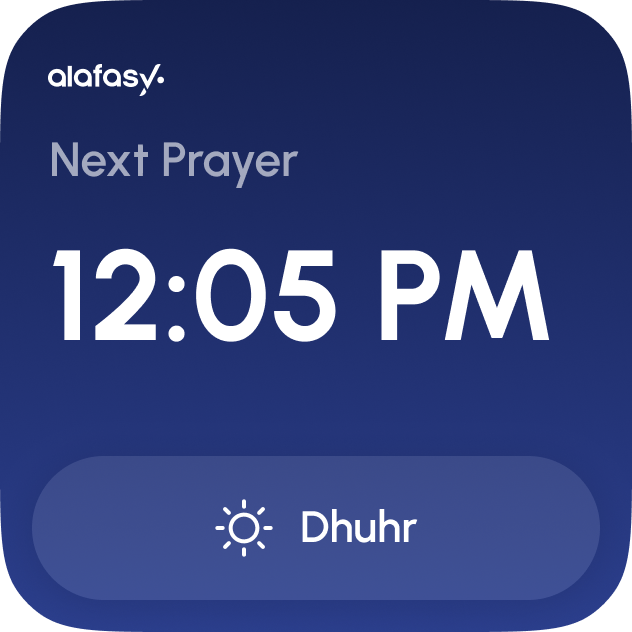
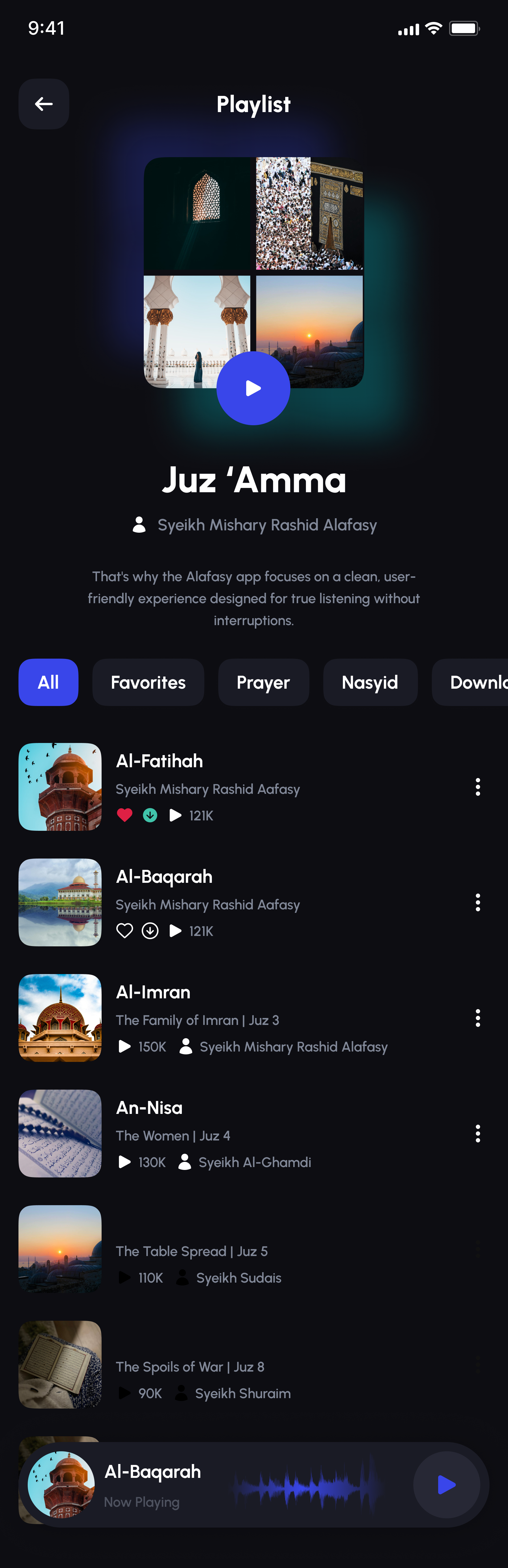
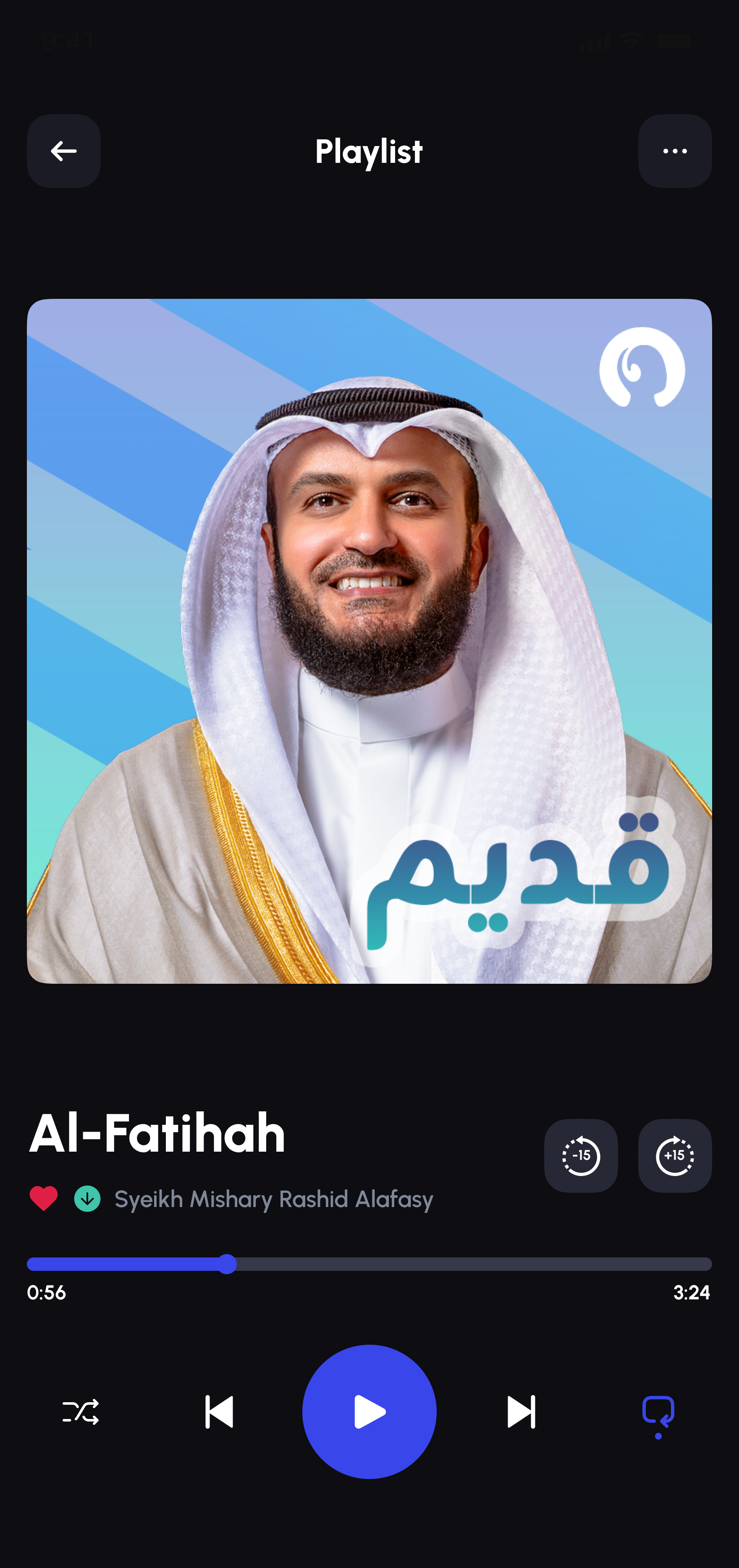
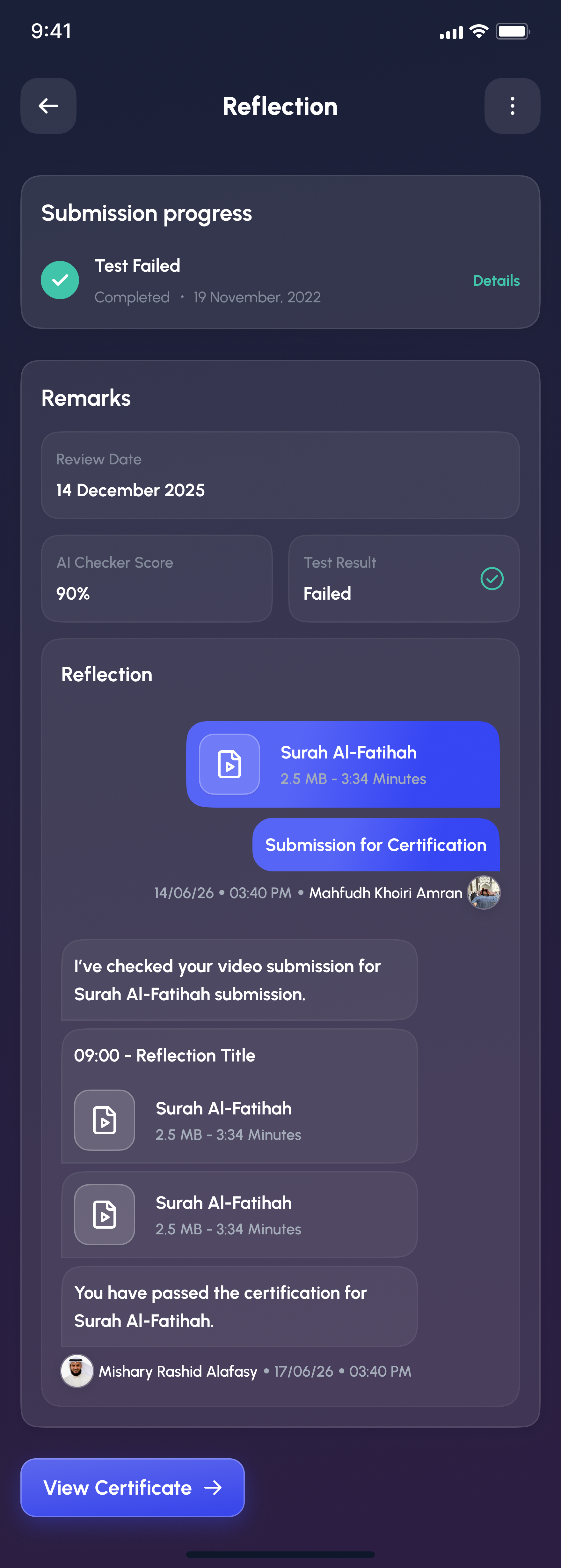
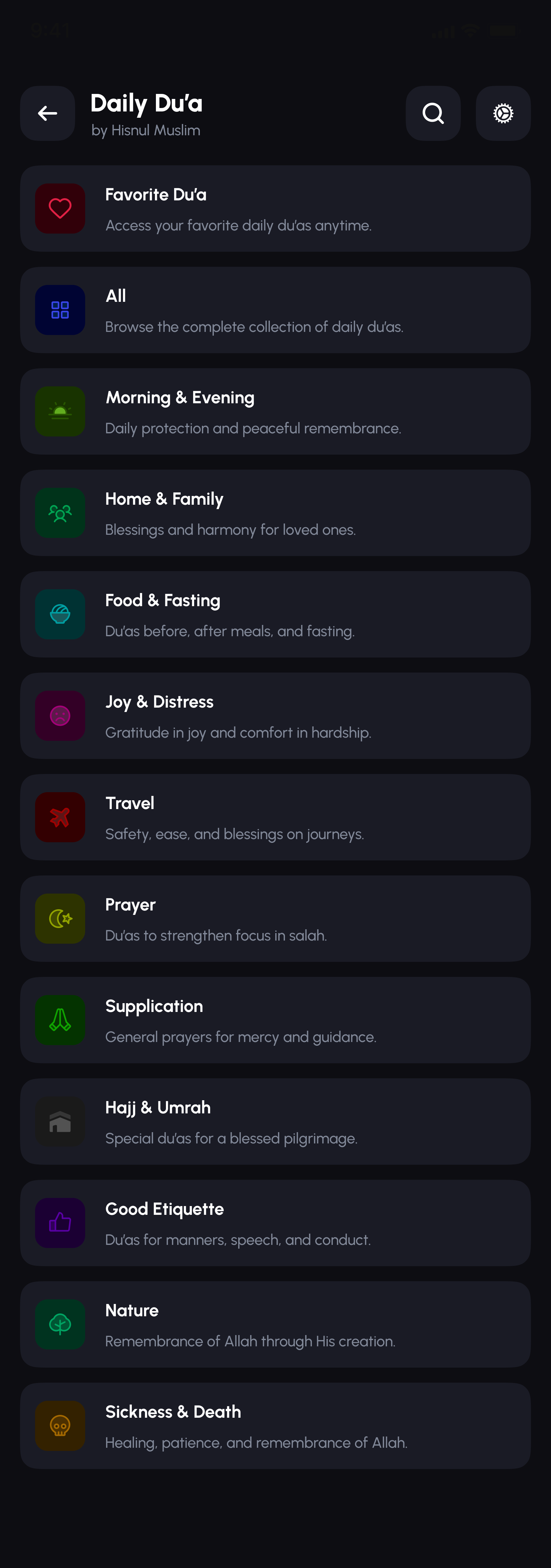
This covers six areas out of a much larger product, onboarding, a home-screen widget, a full daily-du'a library, account settings, and more all shipped alongside what's shown above. A few more screens, below, give a wider sense of the range.

More from the app

A wider look.

Outcome

Shipped and live on the App Store, Play Store, and AppGallery.

Alafasy is one of nine products designed under RiverLens, and the one I'm most often asked to show in person, since anyone can pull it up on their own phone. The time-of-day theming turned out to be the detail people remember most: the app looks different depending on when you open it, which is exactly the point.

Next case study
Ommri →
Get in touch